
Category: Articles
Best Client Onboarding Solutions for Businesses in 2025
TABLE OF CONTENT :
Did you know that businesses with smooth onboarding grow their revenue up to 50% faster? This highlights how important it is to have the right client onboarding solution.
Studies show that nearly 70% of customers expect an easy digital onboarding process. A good onboarding experience builds trust and satisfied clients.
In this guide, we’ll share the 8 best client onboarding solutions for 2025 and explain how they can improve your client relationships and drive business growth.
What is a Client Onboarding Solution
A client onboarding solution is a software or system that helps businesses welcome new clients quickly by automating important tasks like collecting documents, checking client information, and managing data safely. It guides clients step-by-step through the process, sends automatic reminders, and allows easy online signing of documents. This solution helps businesses follow legal rules, reduce mistakes, and speed up the time it takes to start working with new clients.
Top 8 Best Client Onboarding Solutions
- TechForing Customer
- UserGuiding
- WalkMe
- Whatfix
- Appcues
- Copilot
- Bonsai
- Moxo
Now we will share their main features, advantages, disadvantages, and costs, so that you can pick the one that fits your business.
1. TechForing Customer - Best Client Onboarding Solution
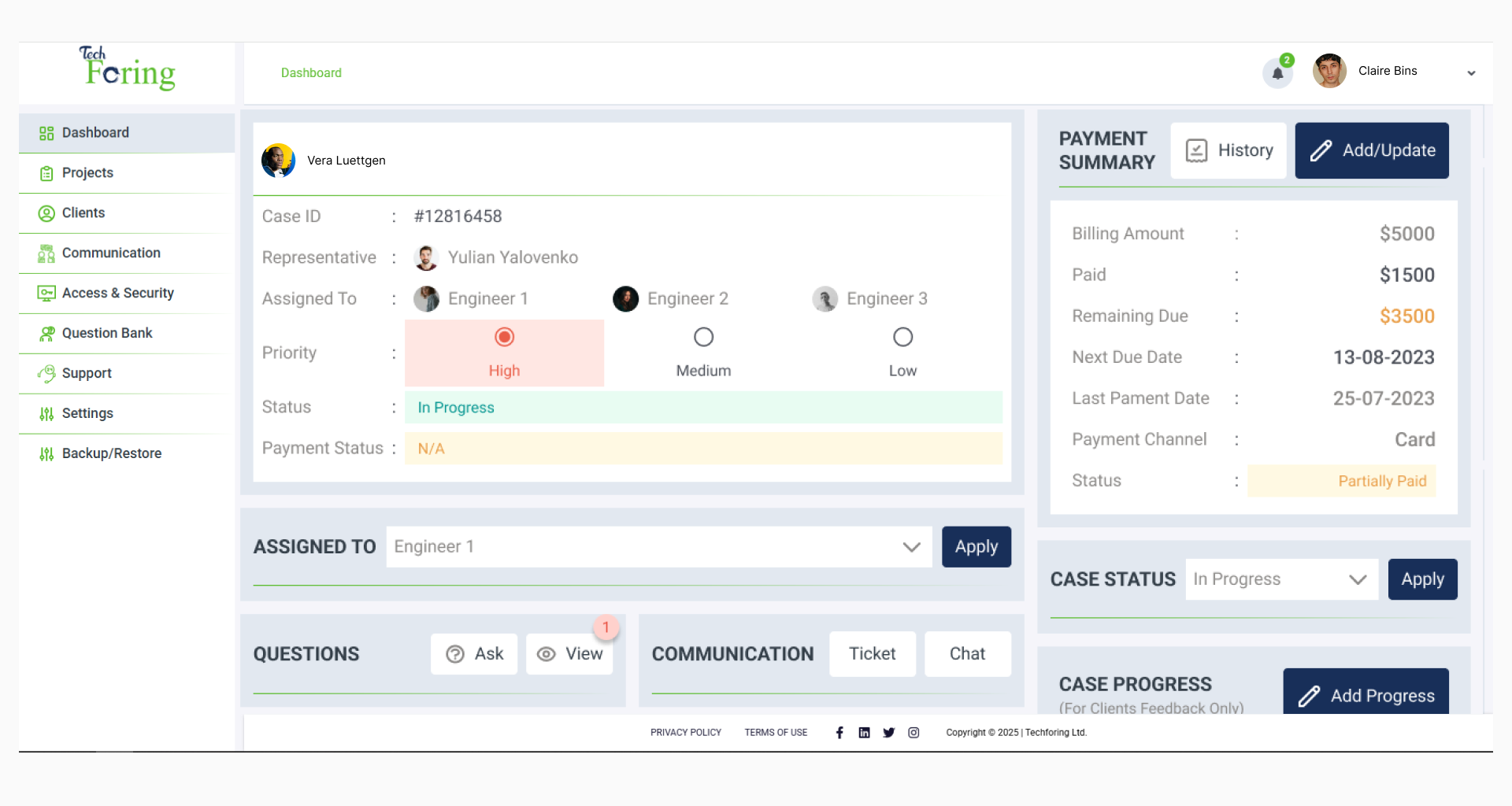
TechForing Customer is a customer onboarding software for businesses that deal with private information. The process starts with a one-on-one meeting, followed by a custom onboarding plan, digital signing of documents, and a simple step-by-step guide for the client. The system includes easy document handling like NDAs, KYC, and contracts, with client portals that match your brand and show clear progress. It also connects with tools like Slack and Zendesk, uses role-based access, and shows useful data like where things are getting delayed or how long each step takes. With features like 24/7 support, a dashboard, role-based access, and built-in safety for data, TechForing Customer helps businesses save time, follow rules, and give clients a better first experience.
Key Features
- Document & Compliance Workflow
- Customizable Client Onboarding Pipelines
- Branded Client Portals
- AI-Powered Workflow Automation
- Real-Time Dashboard & Analytics
- Role-Based Access Control
- Integration with TechForing Ecosystem
- Centralized Document Management
- Checklists & Milestone Tracking
- Built-In Communication Tools
Pros
- Speeds up onboarding with automation
- Makes clients happy with progress tracking
- Protects data with strong security and compliance
- Sends reminders to avoid mistakes
- Shows real-time reports to improve onboarding
Price
- 30-day free trial available
- $5 per user/month
- $99 per month for 30 users
2. UserGuiding - Best Customer Onboarding Automation Tool
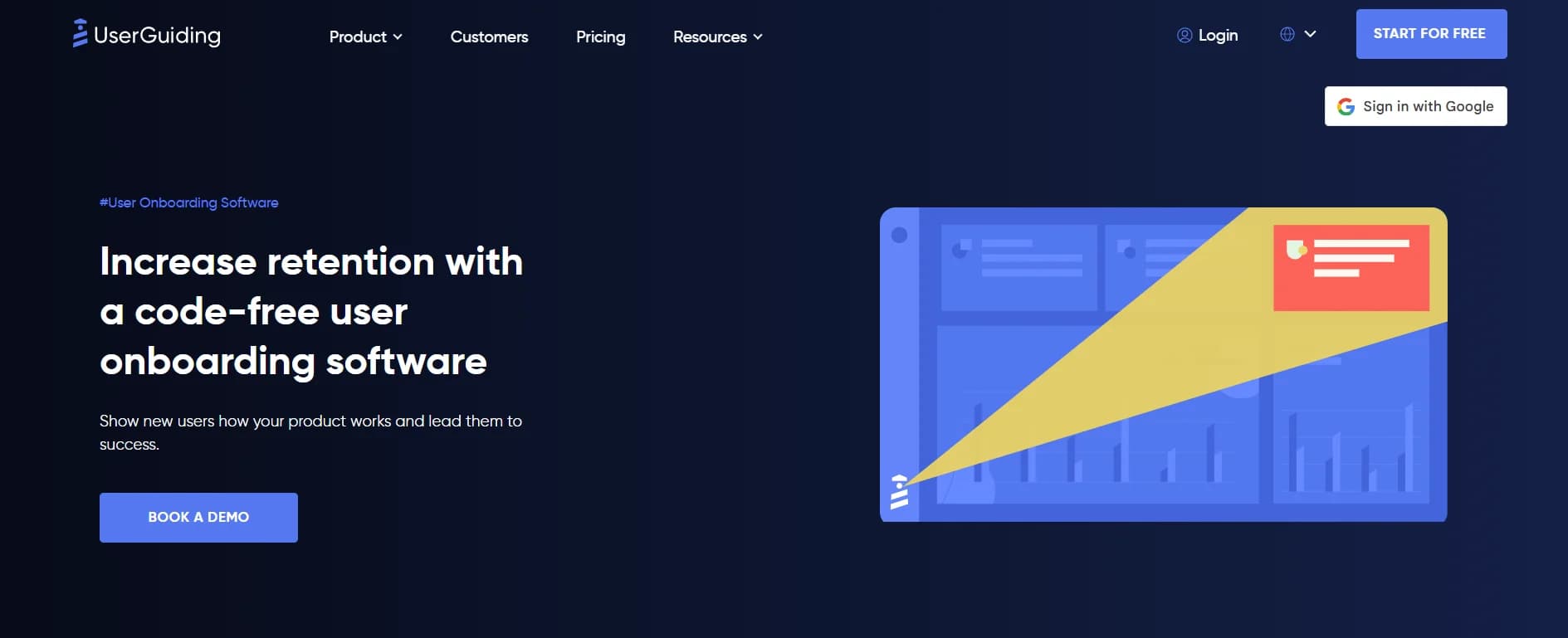
UserGuiding is a no-code tool for client onboarding and product adoption, made for SaaS and web-based platforms. It helps teams create simple in-app experiences like product walkthroughs, tooltips, checklists, hotspots, announcement pop-ups, and resource centers- without needing to write any code. It also offers in-app surveys, NPS feedback, a built-in AI assistant that speaks multiple languages, and performance tracking with tools like Google Analytics, Mixpanel, Segment, and HubSpot. You can show different messages or guides to different users based on what they do or how they use the product. The drag-and-drop builder is easy to use, and setup is quick. You can also change the look and feel to match your brand by using themes or custom styling.
Key Features
- No-Code Product Tours
- Onboarding Checklists
- Tooltips & Hotspots
- Announcement Modals
- In-App Surveys & NPS
- Resource Center (Help Widget)
- AI Assistant (Multilingual Support)
- User Segmentation & Targeting
- Analytics Dashboard
- Easy Integration with Other Tools
Pros
- You don’t need to write code to use it
- It’s quick and easy to set up
- The builder is simple and user-friendly
Cons
- It doesn’t work on mobile apps
- Some design changes need CSS skills
Price
- 14-day free plan available
- Start from $174 - $349 monthly
3. WalkMe - B2b Best Client Onboarding Solution
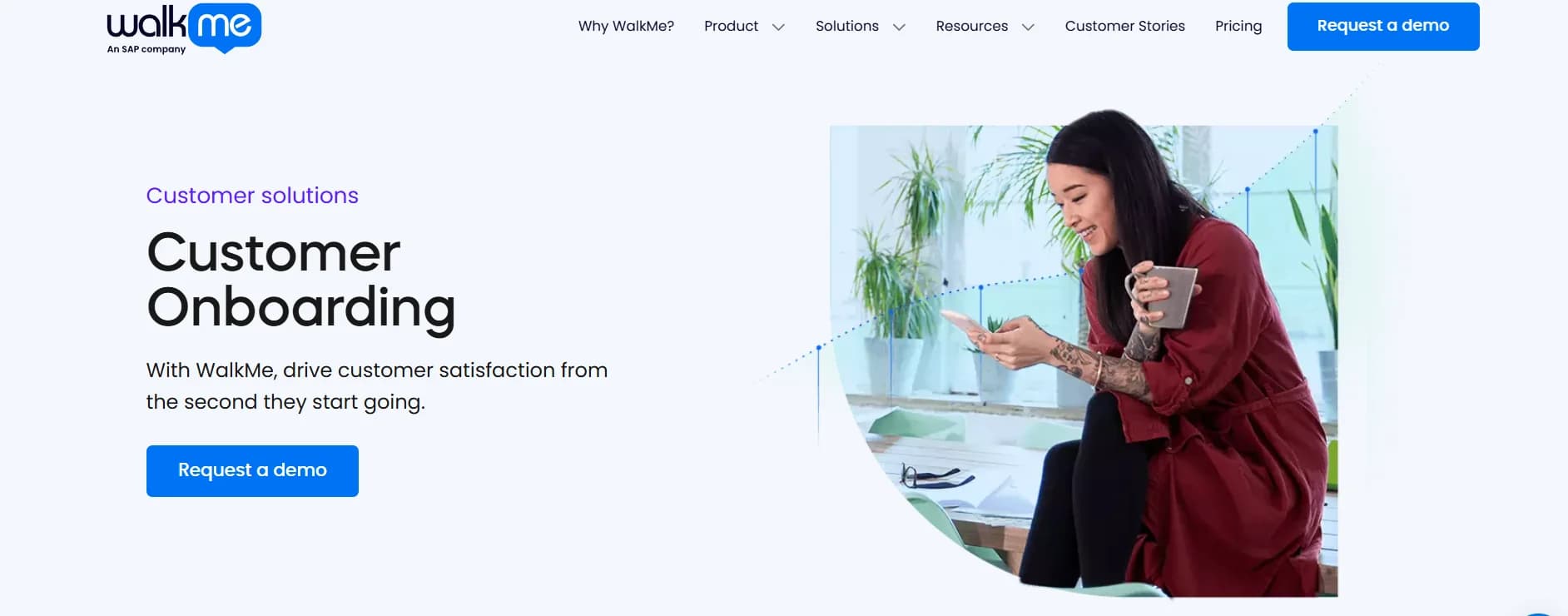
WalkMe is a top Digital Adoption Platform that makes client onboarding easier and better by giving users simple, step-by-step help inside the app. Its Client Onboarding Solution guides customers with clear tips, walkthroughs, and automated steps so they can start using products faster and get more value from them. WalkMe customizes the onboarding based on what each user needs, which helps keep them interested and happy while also lowering the need for support. The user onboarding software also tracks where users have trouble, so companies can keep improving how they onboard new clients. The process includes planning, building, launching, and improving the onboarding experience.
Key Features
- In-App Guidance
- Smart Walk-Thrus
- Onboarding Tasks
- Progress Tracking
- AI-Powered Recommendations
- Automation
- Analytics & Insights
- Customizable Content
- Templates
- Omnichannel Support
- Security & Compliance
Pros
- Easy to use with drag-and-drop tools
- Works on both computers and phones
- Good support and helpful community
Cons
- Costs a lot for small businesses
- The mobile app doesn’t have all the features
Price
-
You need to request a custom quote
4. Whatfix - Best Saas Customer Onboarding Software
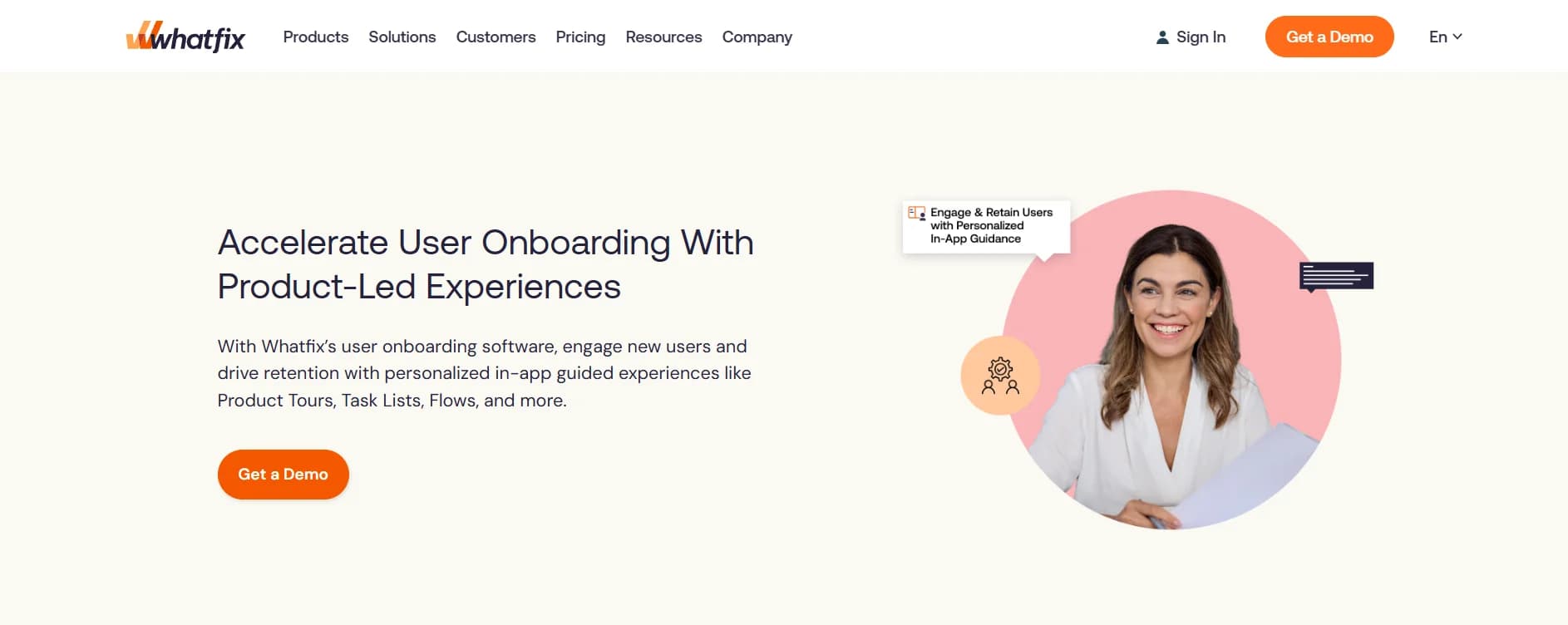
Whatfix is a powerful tool that helps businesses onboard new clients and users smoothly through simple, in-app experiences. It lets teams guide users step-by-step with Flows, Task Lists, Product Tours, and a Self-Help widget - all without needing to write any code. This helps new users quickly learn how to use important features, and the built-in Self-Help widget gives them easy access to FAQs, guides, and walkthroughs - so they don’t always need to contact support. Whatfix also tracks what users do, finds where they get stuck, and gives useful insights to improve the onboarding process. The client onboarding automation includes in-app surveys to collect feedback and improve the experience over time.
Key Features
- Interactive Guided Flows
- Personalized Task Lists
- Contextual Pop-ups & Smart Tips
- Self-Help Widget
- Multi-format Content Export
- Auto-Translation & Multilingual Support
- No-Code Flow Builder (Studio)
- Behavior Tracking & Analytics
- In-App Surveys & Feedback Collection
- AI-Powered Enhancements
- Integration with Enterprise Systems
- Auto-Test & Flow Validation
Pros
- Works on web, desktop, and mobile
- Shows useful reports and data
- Quick and helpful customer support
Cons
- Takes time to learn
- Sometimes hard to connect with other tools
Price
-
You need to request a custom quote
5. Appcues - Best Onboarding Automation Software for Saas
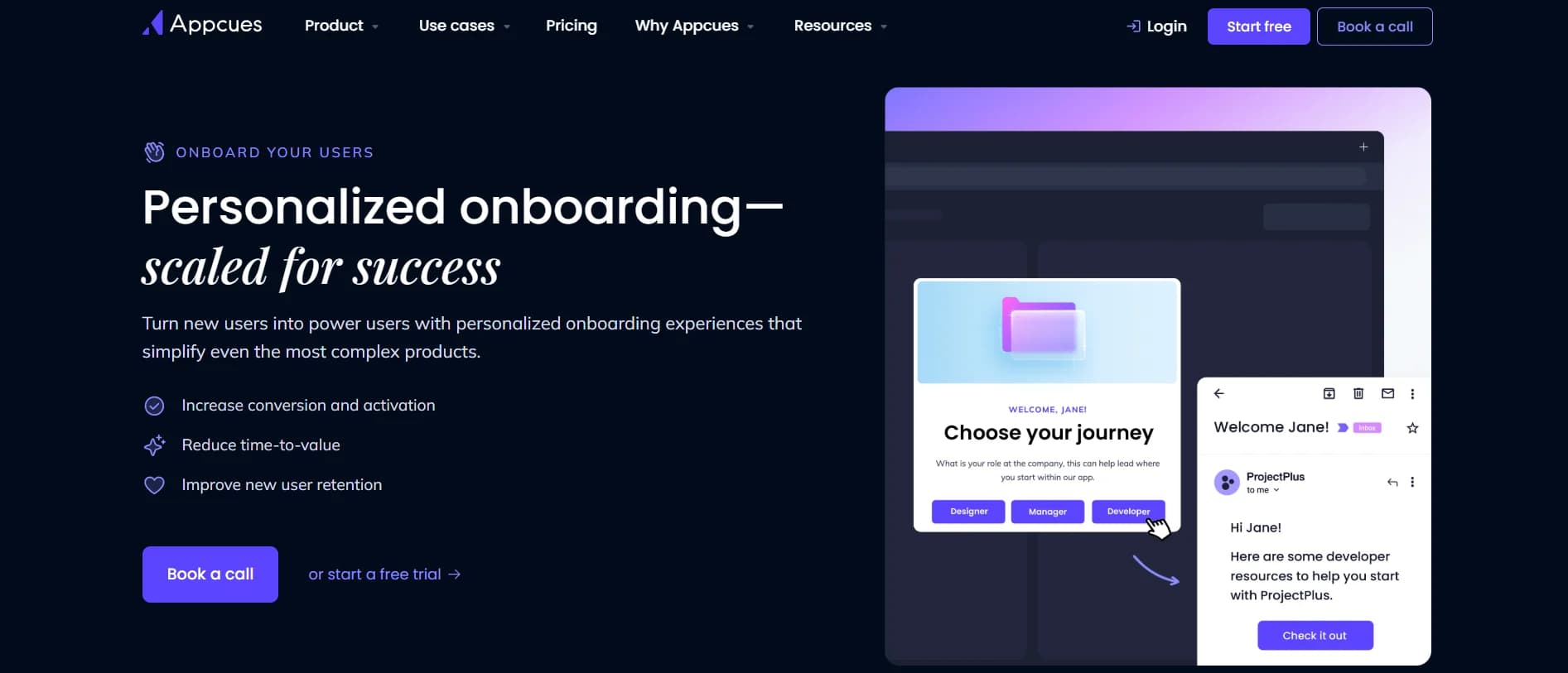
Appcues is a no-code customer onboarding platform that helps SaaS and mobile app teams create simple, personalized experiences inside their products to increase user engagement. It has an easy-to-use visual builder that lets non-technical people make onboarding steps like product tours, checklists, and tooltips without needing to code. Appcues sends messages through different channels, such as in-app pop-ups, emails, and push notifications, so users get the right information at the right time on their favorite platforms. It allows teams to group users based on their actions or traits and use triggers to remind or guide users who haven’t completed important steps. Appcues connects with popular tools like HubSpot and Segment to keep user data in sync.
Key Features
- In-App Messaging
- Workflows
- Email Campaigns
- Push Notifications
- Data Tracking
- User Segmentation
- Integrations
Pros
- Simple to use, no coding needed
- Shows helpful user data and reports
- Friendly and quick customer support
Cons
- Analytics are basic unless you add other tools
- Takes some time to learn at first
Price
- 14-day Free trial available
- From $300 - $750 monthly
6. Copilot - Best Onboarding Software for Business
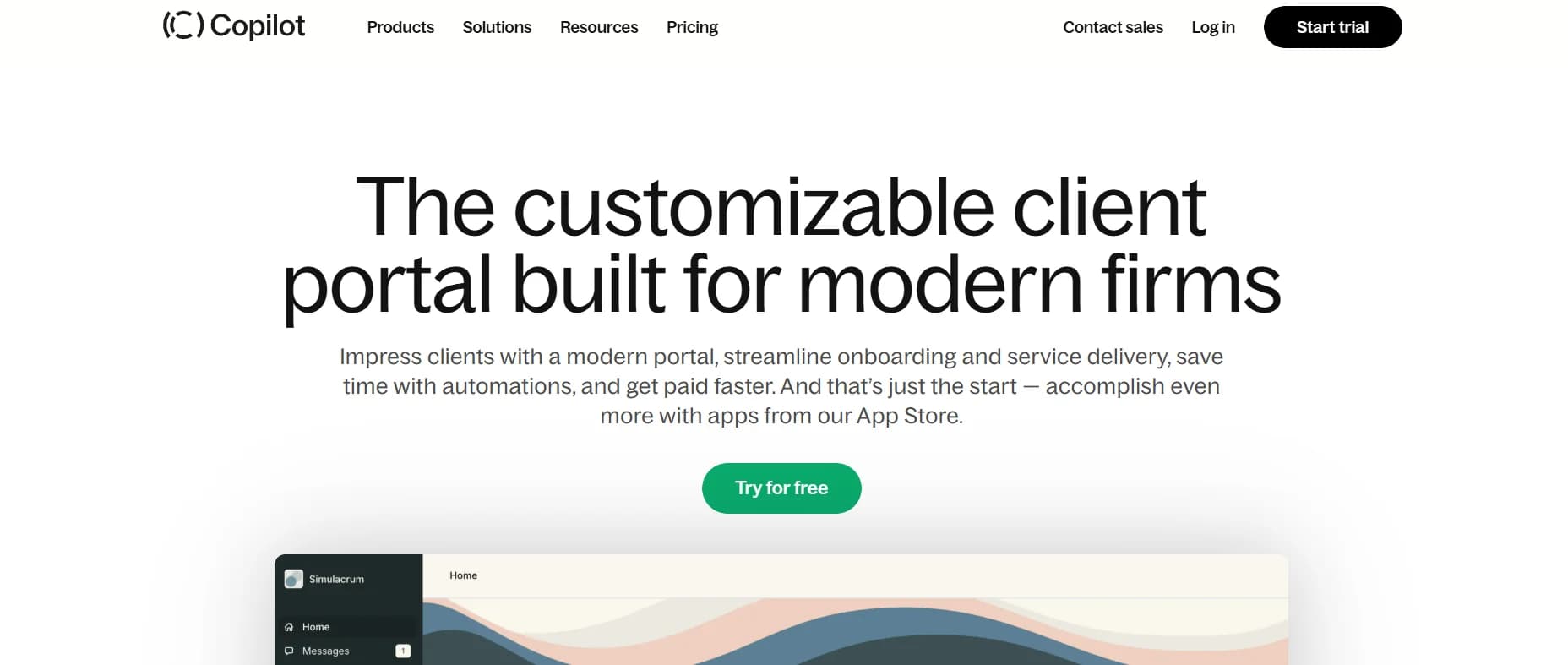
Copilot is a simple client onboarding solution made for service-based businesses like agencies, consultants, accountants, and freelancers. It gives you a fully branded client portal where everything is in one dashboard, like messages, intake forms, billing, contracts, and file sharing. Clients can log in using email or Google, fill out custom forms, get automatic welcome messages, sign documents, and pay - all inside the same portal. You can also connect Copilot with tools like Zapier and Make to automate tasks, send Slack messages, or trigger contracts. With features like e-signatures, recurring payments, and clear dashboards, Copilot helps your business look more professional and gives clients a better experience from the start.
Key Features
- Branded client portals
- Automated onboarding workflows
- Custom intake forms
- Unified messaging system
- Contracts and e-signatures
- Billing and subscriptions
- Secure file sharing
- Integration and automation
- Client activity dashboard
- Easy login with SSO and 2FA
Pros
- Simple and clean design - easy for anyone to use
- You can send contracts and share files securely
- Helpful support and clear guides if you need help
Cons
- Doesn’t have a lot of built-in app connections
- Advanced features can be expensive for small businesses
Price
- 14-day Free trial available
- From $39 - $399 monthly
7. Bonsai - Top Onboarding Software for Small Business
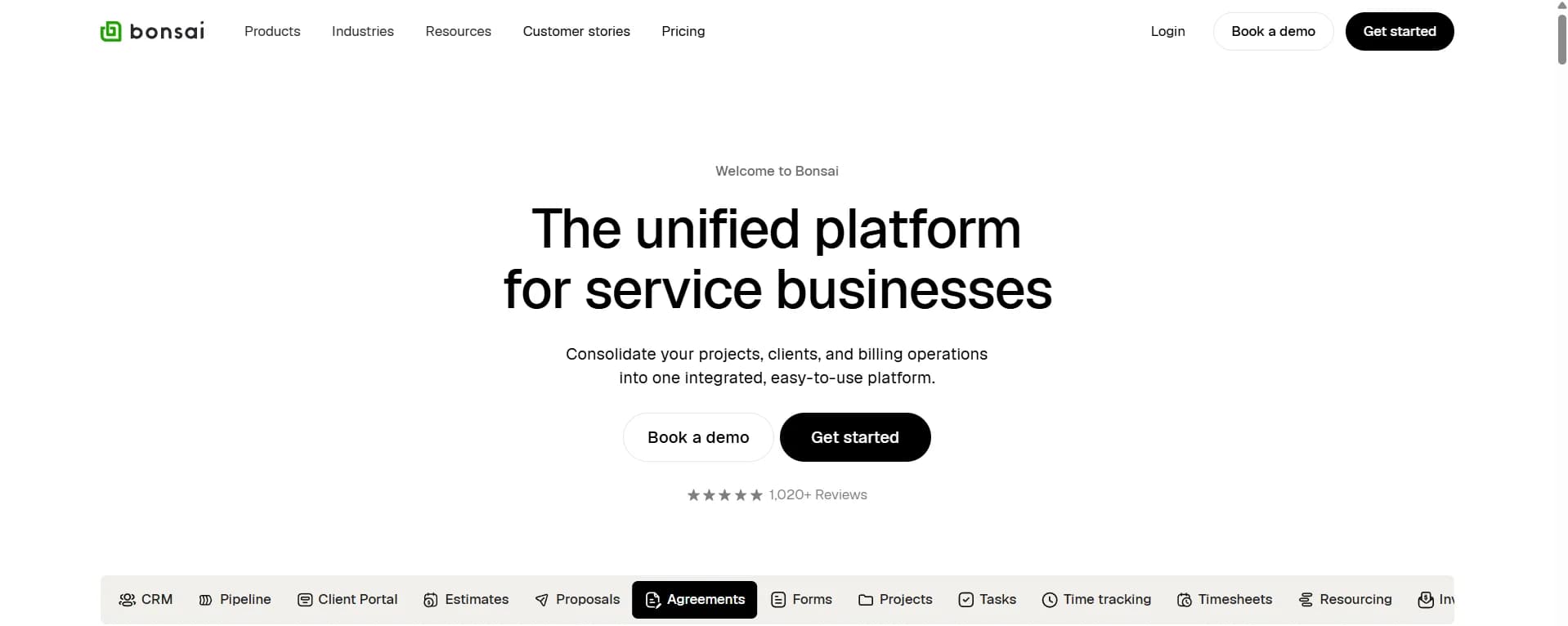
Bonsai is an all-in-one business platform made to make client onboarding easier for freelancers and service businesses. It includes customizable forms to collect client info, automated steps to save time, a central client portal, tools to create and sign contracts and proposals, project and task tracking, and finance features like invoicing and expense tracking. It's built-in CRM helps keep track of client details, and automation reduces busy work and improves efficiency, letting businesses grow without losing quality. Bonsai also connects with popular apps like Zapier, QuickBooks, and Google Calendar to help automate onboarding even more.
Key Features
- Customizable Intake Forms
- Automated Workflows
- Client Portal
- Integrated CRM
- Contract & Proposal Management
- Project & Task Management
- Financial Tracking
Pros
- Easy to use, even if you’re not tech-savvy
- Helps with invoicing and managing money
- Let you customize contracts and proposals
Cons
- Setting it up can be tricky at first
- Needs other apps for some extra features
Price
- 7-day Free trial available
- From $9 - $49 monthly
8. Moxo - Best Client Onboarding Software for Financial Organization
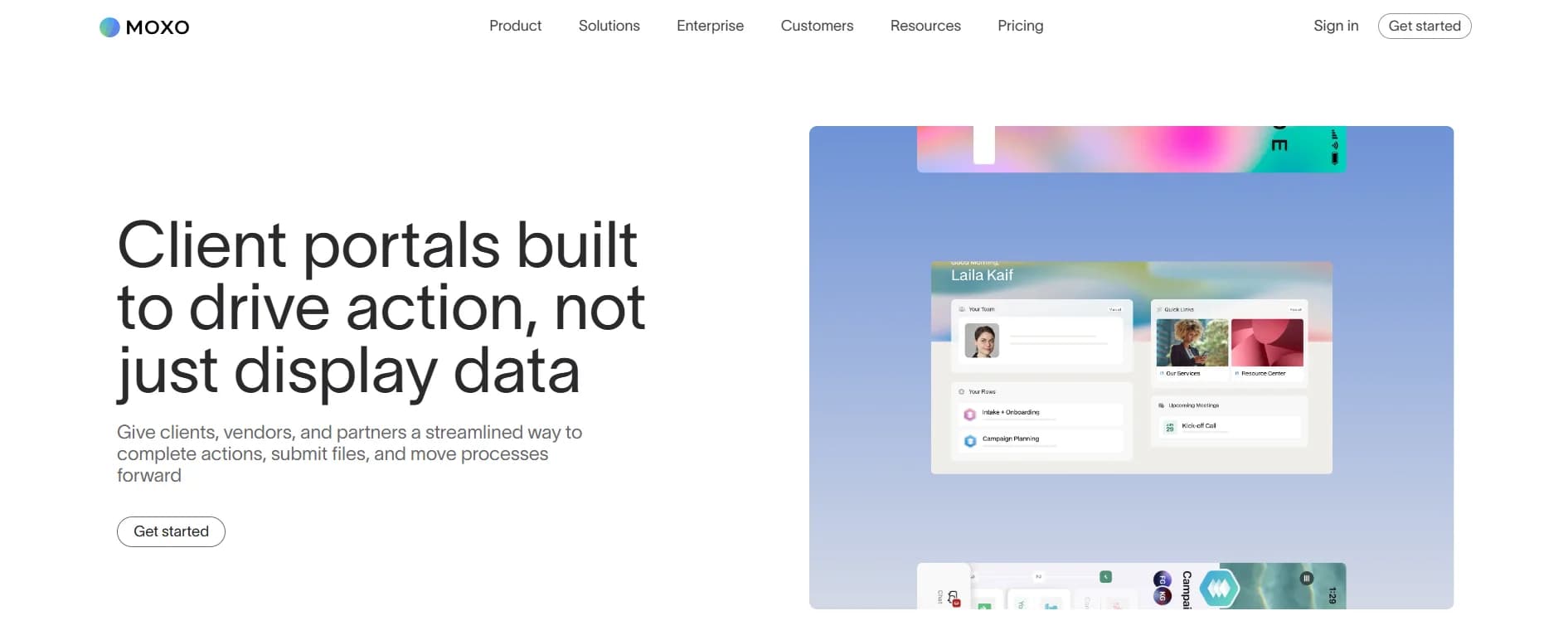
Moxo is a customer onboarding portal that helps automate workflows that let businesses use ready-made templates, send automatic reminders, and simplify approvals. Moxo offers customizable, branded client portals that work on both web and mobile, so clients and teams can share updates and take action easily. The platform connects smoothly with other systems using open APIs and ready integrations. It also keeps documents safe and follows rules to protect client information. With built-in chat, email, and video calls, Moxo helps teams communicate with clients quickly and clearly. It works well for many industries like software, legal, healthcare, and finance because it combines easy integration, flexible workflows, and real-time communication for businesses that want to improve how they onboard clients.
Key Features
- Automated workflows
- Customizable client portals
- Integrations
- Secure document management
- Real-time communication
- Data-driven insights and reporting
Pros
- Easy to use, even for beginners
- Works well with other software
- Helpful customer support team
Cons
- Prices aren’t clear
- Takes some time to learn all the features
Price
-
You need to request a custom quote
Other Client Onboarding Solutions
Here are some more tools that can help with client onboarding
- Intercom - Makes user experience better with automation
- Pendo - Helps you keep users engaged using data
- Under.io - Reduce manual work in onboarding
- Compass - Uses AI chat to help users easily
- Userflow - Let you see how users use your product in real time
- Hopscotch - Sends messages inside your app without coding
- Skilljar - Teaches customers with step-by-step guides to reduce support calls
- Issuetrak - Handles support tickets from many channels in one place
- LiveAgent - Combines help desk, tickets, and knowledge base in one system
What Are the Benefits of a Client Onboarding Solution
Using a customer onboarding solution tool has many advantages, such as:
Make Onboarding Faster for the Team
Doing onboarding manually means lots of emails, forms, and back-and-forth messages. A digital onboarding software can do many tasks automatically, like filling out forms, asking for documents, and entering data. This saves your team a lot of time and makes sure every client is handled the same way.
Regulatory Compliance
There are many rules businesses must follow today, such as KYC (Know Your Customer), AML (Anti-Money Laundering), and data privacy laws like GDPR and CCPA. Many customer onboarding tools have built-in features to help your business follow these rules by checking IDs, letting clients sign documents online, and keeping records.
Enhancing Engagement
The first steps with a client are very important. When you give clients a clear and easy process, they feel involved and cared for. Features like personal welcome pages, showing progress in real-time, and sending automatic messages help clients stay interested and confident.
Higher Retention Rates
Clients who feel supported from the start usually stay longer. A smooth onboarding process explains clearly what will happen and makes clients trust your business. Keeping clients is better for your business than finding new ones.
Improve the Customer Experience
A digital customer onboarding solution makes things easier for clients. They get clear instructions, fast replies, and a step-by-step guide that helps avoid confusion. This creates a better overall experience and builds trust with clients.
Improved Efficiency
Time is very valuable. When you automate collecting forms, checking documents, and sending updates, your team can onboard many more clients faster without losing quality. This helps your business grow without needing many more employees.
Integrations
Good onboarding tools can connect with your other software, like customer databases (CRM), email marketing, billing, and support tools. This way, data flows smoothly and your team does not have to enter the same information multiple times.
Onboarding FAQ
The best onboarding platforms have easy ways for clients to get answers on their own, like FAQ pages, chatbots, or short video guides. This lowers the workload for your support team and helps clients finish onboarding quickly.
Cost Savings
By replacing manual work with automation, you can save money on labour and reduce human mistakes. You can also avoid paying fines for breaking rules and lower your general costs.
Improved Client Satisfaction
Clients like when things are clear, quick, and easy. Customer onboarding software solutions that offer real-time updates and fast replies show professionalism and respect for clients’ time, which makes them feel happy and confident.
Partner Onboarding
Client onboarding software tools aren’t only for customers. They are great for bringing in new business partners or suppliers, too. You can share contracts, forms, and access rights with them easily and make sure they start on the right foot.
Transform Client Experience
Customer Onboarding solutions help your business stand out by creating a smooth, personal experience for each client. Custom welcome messages, branded portals, and clear progress dashboards make your company look professional and caring.
Top Features of Client Onboarding Solutions
In this section, we’ll explain the important features client onboarding software should have to make the experience smooth and easy for new customers.
- Interactive Tutorials: These are step-by-step guides and videos that help customers learn how to use the product or service.
- Personalized Onboarding: This means adjusting the onboarding steps to fit each customer’s specific needs.
- Customer Feedback: Tools that let you quickly ask for and show customer reviews and satisfaction scores to improve the process.
- Success Metrics: These are measurements and goals that show how well the onboarding is going.
- Automated Workflows: Pre-set steps that make the onboarding process faster and more organized.
- Self-Service Portals: Places where customers can find help and resources by themselves without needing to ask.
- Analytics and Reporting: Tools that give information about how customers are doing in onboarding and where improvements can be made.
- Integrations: Connections with other business tools like CRM systems to keep data synced and workflows smooth.
- Task Management: Helps keep track of onboarding tasks for both customers and teams.
- Customizable Templates: Ready-made templates you can change to fit different customer needs or business types.
- Collaboration Tools: Tools that help team members work together during onboarding.
- Security and Compliance: Protecting customer data and following rules to keep information safe.
- Document Management: Let's clients safely upload and keep important documents, which builds trust and keeps their data private.
- Form Filling: Automatically fills in forms using information already saved, saving time and reducing mistakes.
- Notifications: Shows customers where they are in the process and sends updates so they always know what’s happening.
How to Choose the Best Client Onboarding Solutions
With so many options out there, it’s easy to feel overwhelmed. To help you pick the best customer onboarding software for your business, here are some key things to consider.
Know What Your Business Needs
First, understand what your business needs from an onboarding tool. Are you a small service business, a growing SaaS company, or a big company? Different tools work better for different types of businesses. For example, if you want a simple way to collect client papers and contracts, a tool like TechForing Customer or Copilot might work well. But if you want to create step-by-step tutorials or product tours, UserGuiding or Appcues could be better.
Look for Automation Features
One big reason to use onboarding software is to save time by automating repeated tasks. Notice if the tool has automatic workflows, reminders, and progress tracking. These help avoid mistakes and keep both your team and clients informed.
Security and Compliance Are Very Important
When you handle client data, especially private information like IDs or contracts, security is essential. Make sure the onboarding solution follows rules like GDPR, KYC, and AML. Check for features like safe document management, role-based access, and data encryption.
Check If It Works with Your Other Software
Your client onboarding training tool should connect easily with the other software you use, like your CRM, email, or billing systems. Integrations keep data consistent and reduce extra work.
Think About the Client’s Experience
A simple, clear, and branded onboarding process helps clients feel valued. Features like welcome messages, progress tracking, and easy digital signing can improve client satisfaction and increase retention.
Look for Good Support and Help
Even the best digital customer onboarding software needs support. Check if the company offers guides, live chat, or phone help. Fast support can save you trouble when setting up and using the tool.
Final Thought
Picking the right client onboarding solution can change how your business welcomes and keeps clients. In 2025, having automation, security, and an easy process is very important.
If you want to speed up onboarding, reduce mistakes, and give a professional experience that keeps clients coming back, TechForing Customer is the best solution for you. Try the 30-day free trial today and see how it can improve your business.
Frequently Asked Questions
What is a client onboarding system?
A client onboarding system is a tool or software that helps businesses welcome new clients easily. It does many tasks like collecting forms, checking client info, and showing the steps clients need to follow. This makes the process faster and better for both the client and the business.
What are onboarding solutions?
Onboarding solutions are tools that help businesses bring in new clients, users, or team members. These tools make it easy to share forms, sign documents, send updates, and show clients what to do next. They save time and help clients feel more comfortable.
What are the steps in client onboarding?
The steps in client onboarding usually include:
- Initial contact and welcome
- Collecting important client information and documents
- Verifying identity and compliance checks
- Setting up accounts or access
- Signing contracts and agreements
- Educating the client on using services or products
- Following up with support and feedback collection
Who uses Client Onboarding Solutions?
Many different businesses use client onboarding solutions. This includes:
- Software companies (SaaS)
- Consultants and coaches
- Agencies like marketing or design teams
- Lawyers, accountants, and banks
- Freelancers and small business owners
- Anyone who works with clients and needs to collect forms, info, or signatures can use these tools.
How does Client Onboarding Solutions improve customer retention?
When a client has a smooth and friendly start, they feel more confident and are more likely to stay with your business. Onboarding solutions help by showing clear steps, sending helpful messages, and avoiding confusion.
How to automate client onboarding process?
To automate client onboarding process, use software that can do some of the work for you. For example, set up forms that fill in data, send automatic welcome emails, and let clients sign documents online. Many onboarding tools can also show a step-by-step guide, assign tasks, and track progress. Make sure the tool connects with your other systems, like your CRM, calendar, or payment tools, so everything works smoothly together.
