
Category: Articles
10 Best Expense Management Software in 2025
TABLE OF CONTENT :
Managing business expenses sounds easy - until you actually try it.
Employees lose receipts, expense reports pile up, approvals get delayed, and your finance team wastes hours chasing missing information.
On top of that, there is always the risk of mistakes, fraud, or compliance issues.
That’s why the expense management system is becoming essential.
In this blog, we will share the top 10 expense management software for businesses in 2025 that can save you time, reduce costs, and keep your finances on track.
What is Expense Management Software?
Expense management software is a tool that helps businesses track, control, and understand their spending much more easily. Instead of using spreadsheets, paper receipts, or waiting for approvals, this software handles it all automatically.
Employees can upload receipts through mobile apps, expenses get sorted into the right categories, and approvals happen quickly. This saves time and reduces stress for both employees and managers.
Modern expense management solution software also works with accounting, payroll, or ERP systems. With real-time views, you can make reimbursements quickly and turn a messy process into a simple one for your business.
Key Features of Expense Management System
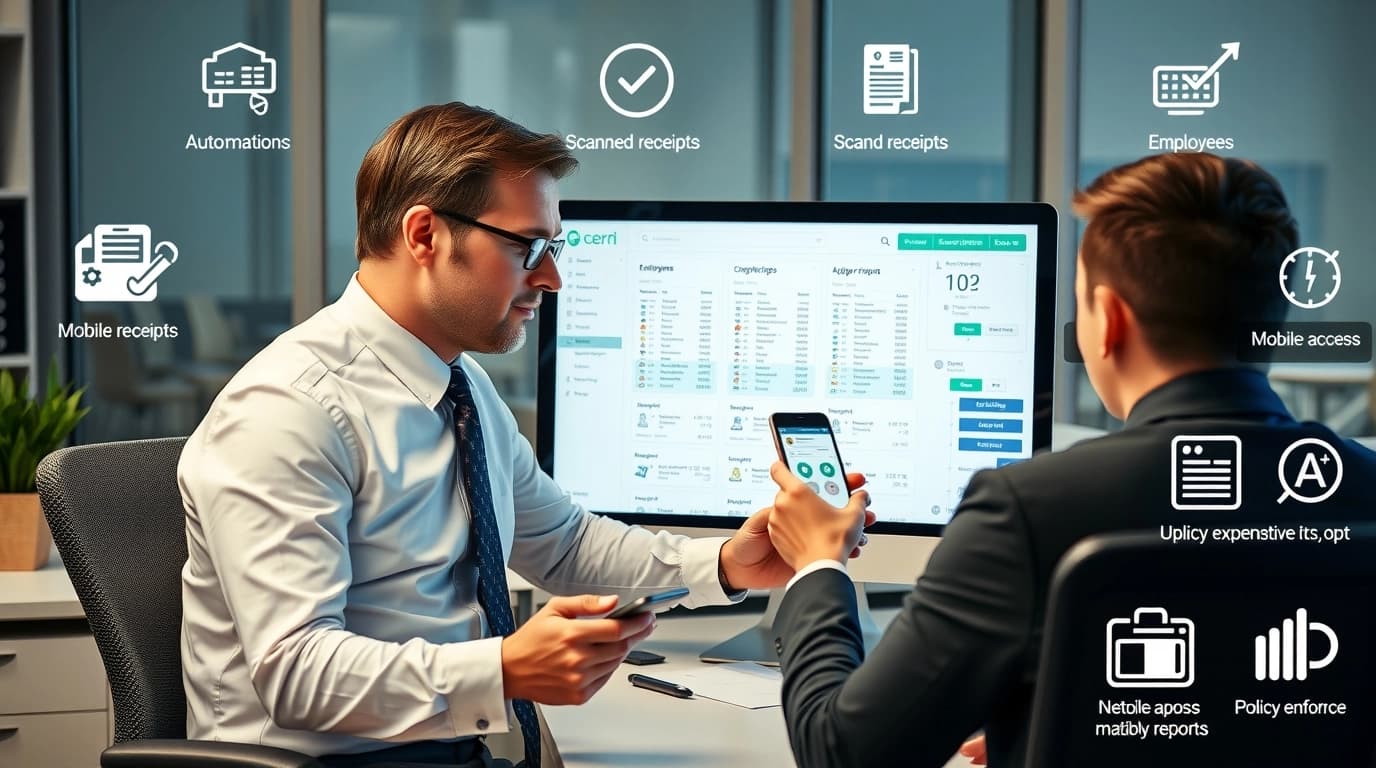
Here are the 15 key features you should know:
- Automated Expense Tracking - This feature lets businesses record expenses automatically without typing them in manually. It lowers mistakes and makes sure every cost is correctly tracked in real-time.
- Receipt Scanning & Digital Capture - Employees can take a photo of a receipt, and the software reads the information right away. No more lost paper slips or manual entry, saving time and effort.
- Policy & Compliance Enforcement - The software automatically checks for expenses that break company rules. This helps avoid overspending, fraud, and problems with taxes.
- Real-Time Expense Reporting - Managers can see updated expense data anytime, which makes planning money easier. Reports in real-time give full visibility of company spending.
- Mobile Accessibility - Most expense management tools have mobile apps, so employees can submit expenses from anywhere. This makes the process faster and more convenient for both workers and managers.
- Multi-Currency & Global Support - For companies working in different countries, this feature is very important. It changes expenses into local currencies and follows global rules.
- Integration with Accounting & ERP Systems - The software works with platforms like QuickBooks, Xero, or SAP. This avoids entering the same data twice and makes finance tasks simpler.
- Role-Based Approvals & Workflows - Approvals are sent automatically to the right person in the company. This speeds up the process and stops delays in approving expenses.
- Fraud Detection & Security - AI and automation find unusual spending or duplicate claims. This lowers the chance of fraud and keeps company money safe.
- Analytics & AI-Powered Insights - The software gives dashboards and reports on spending patterns. Businesses can use this information to save money and manage budgets better.
- Corporate Card Integration - Many tools work with company credit cards. This tracks expenses automatically and reduces manual work for employees.
- Travel & Mileage Tracking - Employees can record travel costs, flights, hotels, and mileage in one place. This is very helpful for companies with frequent business trips.
- Cloud-Based Accessibility - Cloud systems let employees and managers see expense data from anywhere. It provides flexibility, security, and growth options for all businesses.
- Customizable Expense Categories - Companies can create categories like travel, meals, or office supplies. This makes reporting more organized and fits the business’s needs.
- Reimbursement Management - The expense manager software links expenses directly to payroll or bank accounts. Employees get paid back quickly, and finance teams save time.
Top 10 Expense Management Tools in 2025
Here is the 10 best expense management systems list:
- TechForing Cent
- Expensify
- Zoho Expense
- SAP Concur
- Ramp
- Rippling
- Fyle
- Navan
- Brex
- FreshBooks
Next, we’ll look at each software’s main features, pros, cons, and pricing so you can quickly compare and pick the best one.
1. TechForing Cent
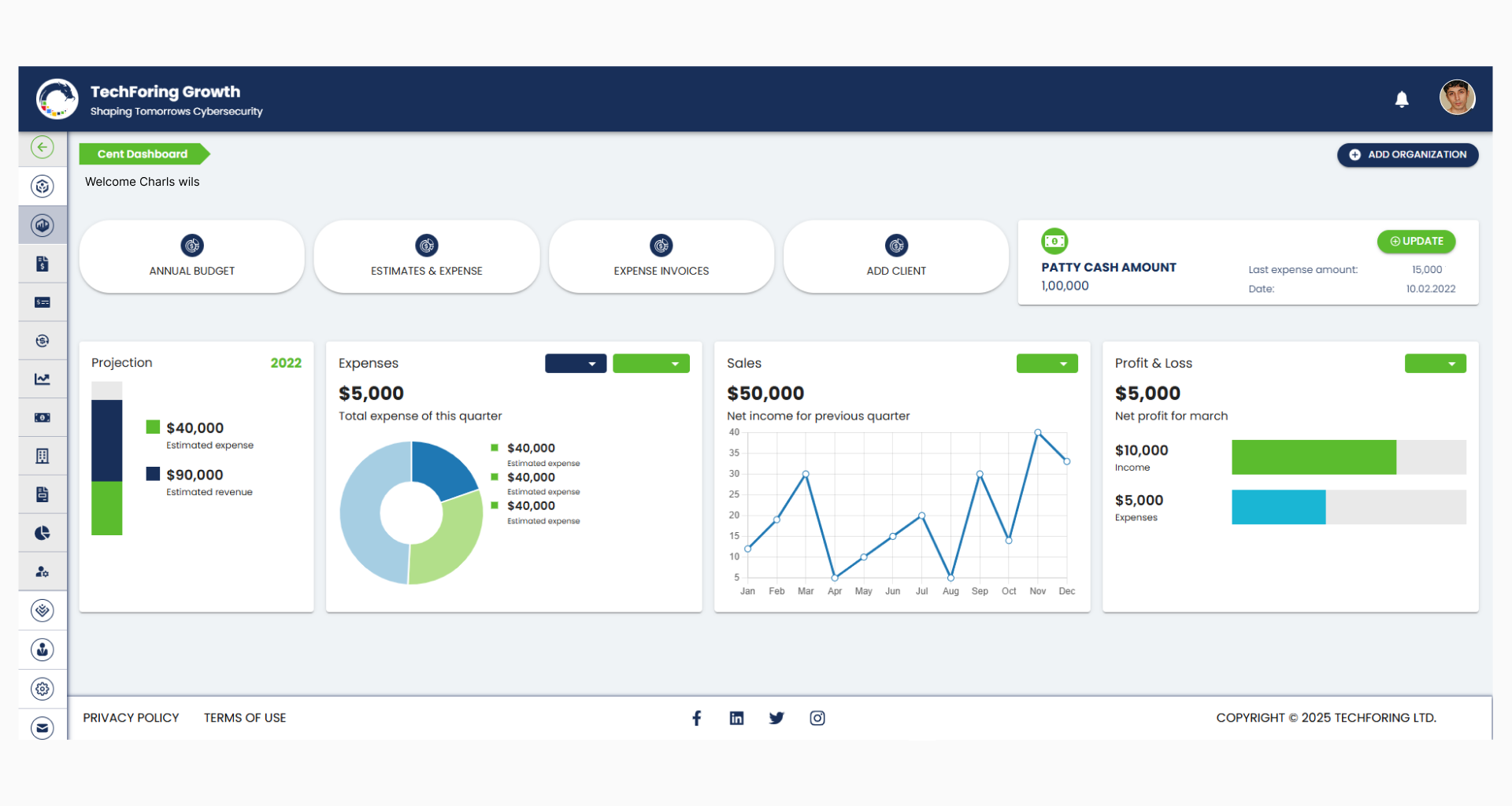
TechForing Cent is a complete expense management software that helps you track, control, and estimate your business expenses in one place. You can submit expenses, create invoices, and manage project costs easily without any stress.
The software performs for all types of businesses, from small startups to large companies. You can use it in IT, retail, manufacturing, service industries, and more.
Key Features
Expense Management, Expense Estimation, Invoice Management, Project Expense Management, Vendor Management, Reimbursement Requests, Real-Time Reporting, Workflow Automation, Financial Analytics, and Mobile Accessibility.
Pros
TechForing Cent gives you clear insights so you can make better financial decisions. It also improves compliance and helps manage relationships with vendors and employees.
Pricing - Start from $99 for 2 users.
2. Expensify
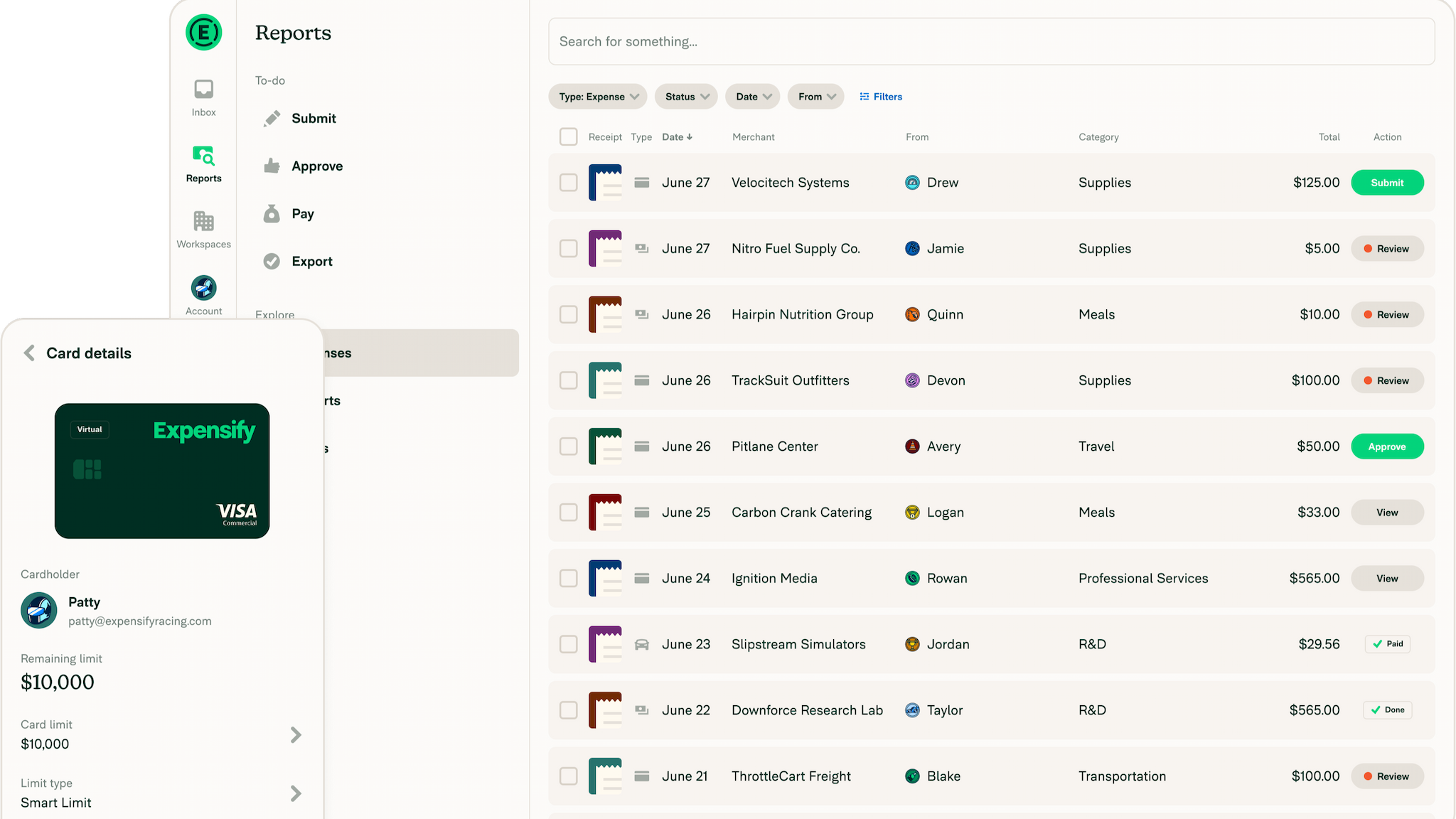
Expensify is an easy-to-use finance and expense management software that helps businesses track, approve, and pay back expenses automatically. Employees can upload receipts through the mobile app, and the software sorts and records each expense.
Expensify is best for industries where employees spend on travel, meals, or client-related costs. This includes consulting firms, marketing agencies, tech startups, and sales teams.
Key Features
Automated Expense Tracking, Receipt Scanning & Digital Capture, Real-Time Expense Reporting, Mobile Accessibility, Multi-Currency Support, Integration with Accounting & ERP Systems, Role-Based Approvals & Automated Workflows, Analytics & AI-Powered Insights, Travel & Mileage Tracking, Corporate Card Integration.
Pros and Cons
Expensify is praised for its automation, easy design, and mobile use. It works well with accounting tools like QuickBooks, so there is no need to enter data twice.
Still, Expensify has some downsides. The receipt scanner is not always accurate and often needs manual fixing. Pricing is confusing, and many small businesses feel it is costly.
Pricing - Start from $5 per user. 30-day free trial also available.
3. Zoho Expense
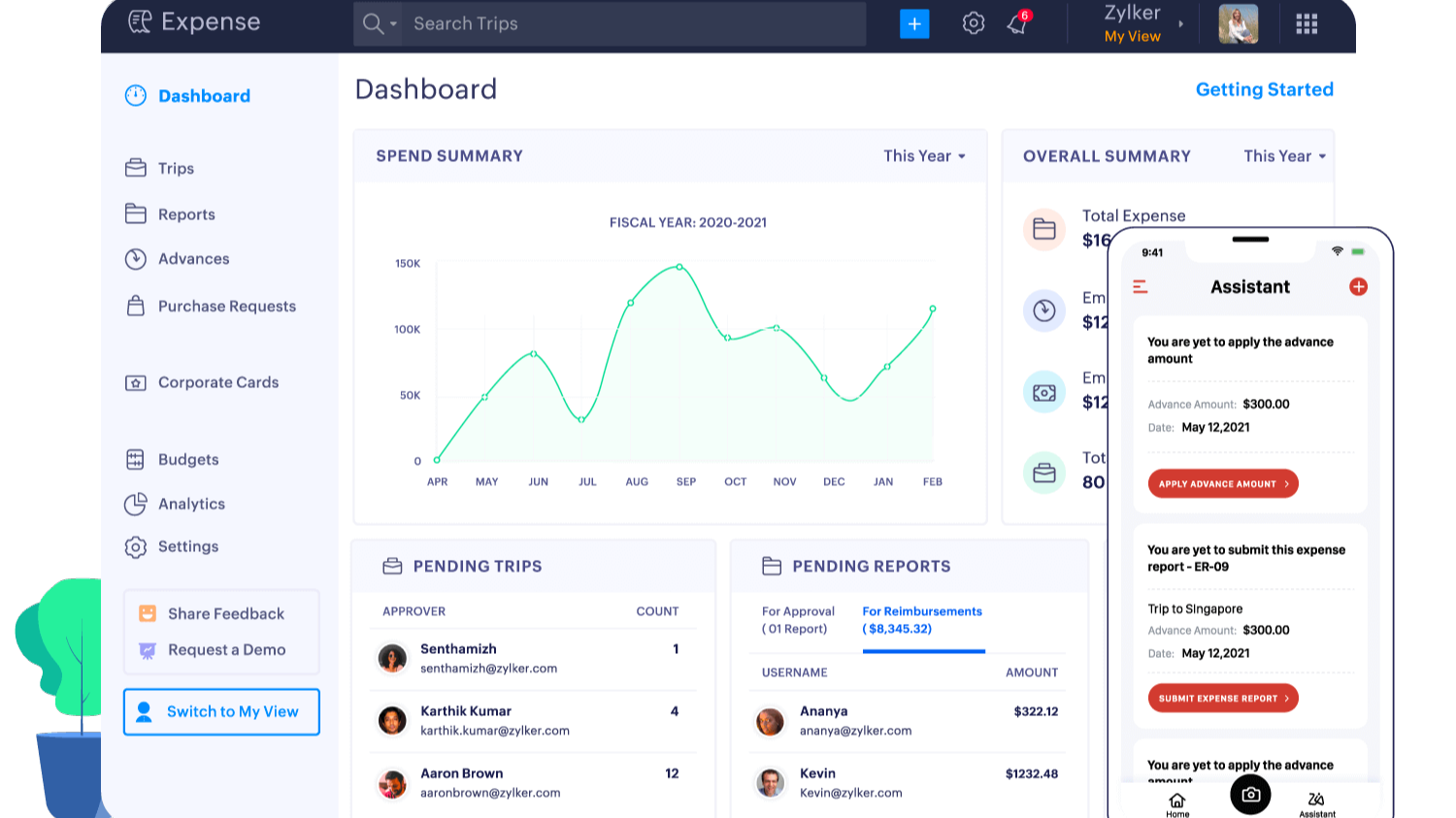
Zoho Expense is a cloud-based expense management software that makes it easier to track, approve, and pay back business expenses. You can upload receipts using your phone, sort expenses into the right categories, and submit them for approval in just a few clicks.
Zoho Expense works well for many industries such as consulting firms, marketing agencies, tech startups, sales teams, IT services, manufacturing companies, retail businesses, healthcare providers, schools and universities, and nonprofit organizations.
Key Features
Automated Receipt Scanning, Real-Time Expense Reporting, Mobile Accessibility, Multi-Currency & Global Support, Integration with Accounting & ERP Systems, Role-Based Approvals & Workflows, Travel & Mileage Tracking, Cloud-Based Accessibility, Customizable Expense Categories, and Reimbursement Management.
Pros and Cons
Zoho Expense is known for its easy-to-use interface, strong automation, and smooth connection with other Zoho products.
On the downside, the setup can take some time, and learning the advanced features may take a little effort.
Pricing - Start at $4 per user. 14-day free trial available. You can also schedule a 30-minute demo.
4. SAP Concur
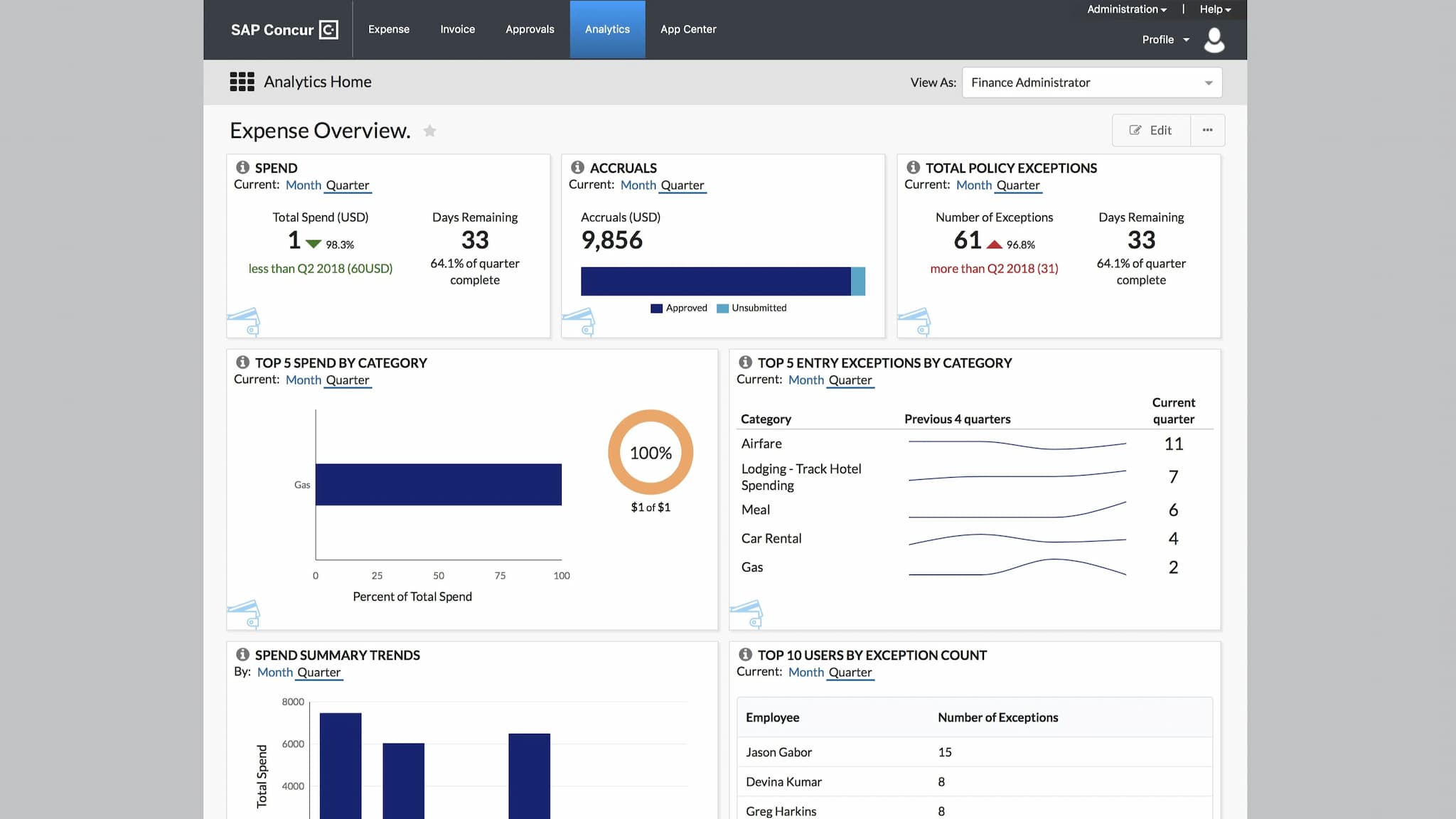
SAP Concur is a top online expense management software that makes handling travel, expenses, and invoices much easier. It works best for medium to large businesses that want to automate tasks, get real-time updates, and follow rules across different departments.
SAP Concur works really well for businesses such as consulting firms, marketing agencies, IT and tech companies, finance and banking, healthcare, manufacturing, retail, education, logistics, energy and utilities, and technology companies.
Key Features
Automated Expense Tracking & Reporting, Receipt Capture via Mobile App, Travel Booking & Travel Policy Enforcement, Integration with Accounting & ERP Systems, Multi-Currency & Global Compliance Support, AI-Powered Analytics & Spending Insights, and Fraud Detection & Security Measures.
Pros and Cons
SAP Concur is known for strong automation, many integrations, and great travel management tools. It helps reduce mistakes, speed up reimbursements, and gives full visibility of spending.
On the downside, some people say, it can be tricky for small companies, and employees may need training to use it well.
Pricing - Based on company size and modules. 15-day free trial available.
5. Ramp
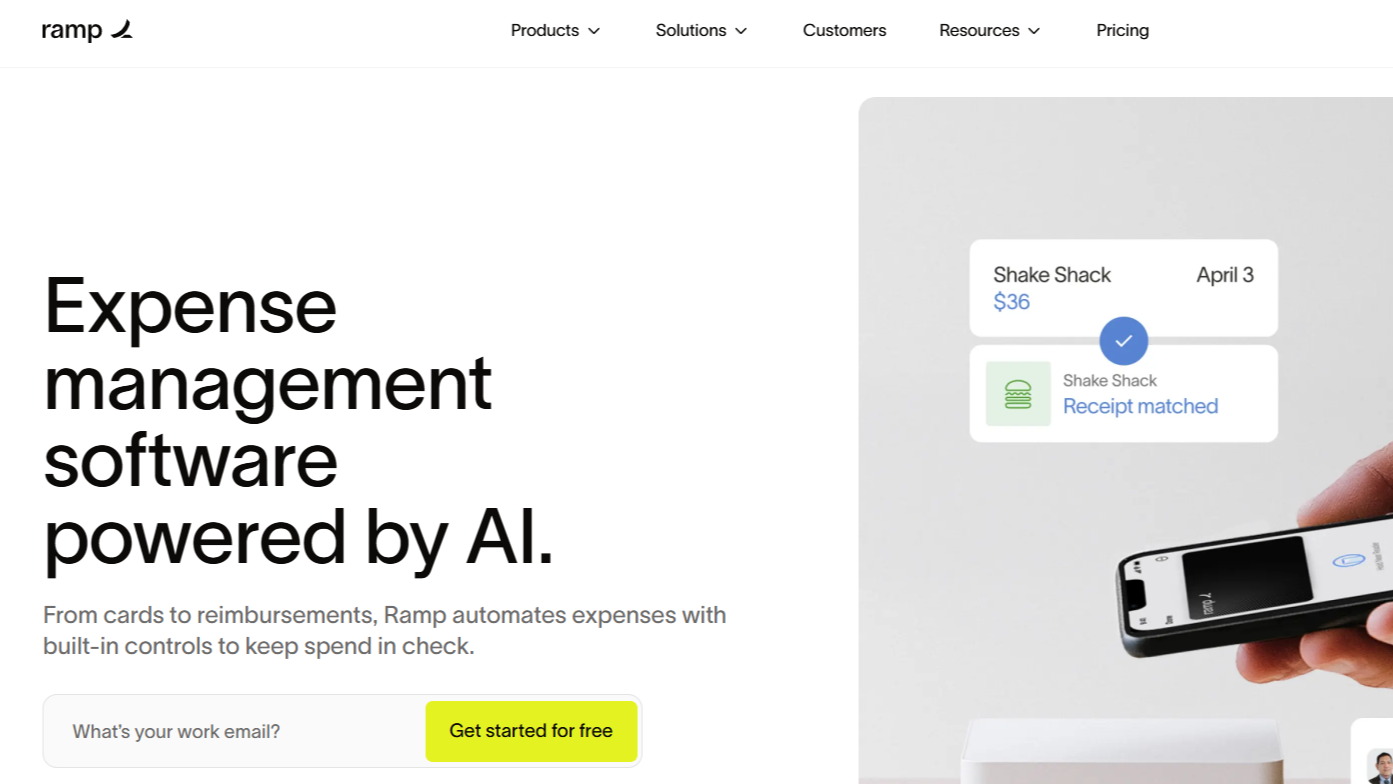
Ramp is an AI-powered expense management platform that helps businesses automate and manage their spending. It combines corporate cards, expense tracking, travel management, accounts payable, and procurement into one easy-to-use system.
Ramp is especially good for software and technology companies, retail, financial services, nonprofits, hospitality and leisure, food products, construction and engineering, healthcare, education, and professional services.
Key Features
Automated Expense Management, Real-Time Spending Insights, Corporate Card Integration, Customizable Approval Workflows, Vendor Management, Receipt Capture via Mobile App, Travel & Mileage Tracking, Accounting & ERP Integration, Policy & Compliance Enforcement, and AI-Powered Analytics & Insights.
Pros and Cons
Ramp is simple to use, so your team can manage and automate expense reports without problems. Ramp helps you save time and money by speeding up approvals and tracking.
But Ramp also has some downsides. Its reporting tools can be limited for advanced financial analysis. Integration with some accounting or ERP systems is not complete.
Pricing - Start at $15 per user, and a free demo is available.
6. Rippling
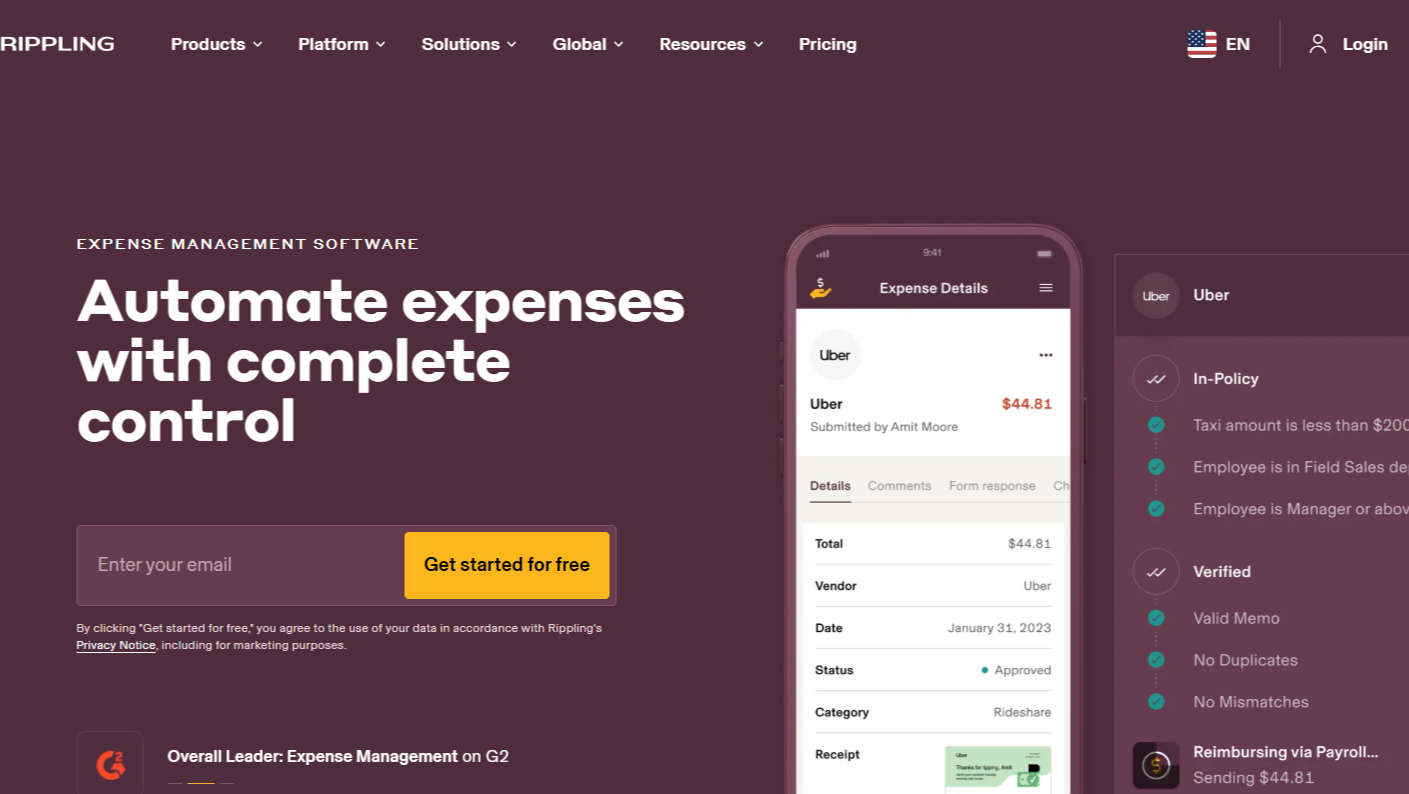
Rippling is a complete expense management application platform that combines expense tracking with HR, IT, and finance. It helps businesses automate workflows, track spending, and handle reimbursements easily.
Rippling works best for marketing and advertising agencies, consulting firms, manufacturing businesses, retail and e-commerce, and professional services.
Key Features
Automated Expense Tracking, Receipt Upload via Mobile App, Customizable Approval Workflows, Corporate Card Integration, Global Reimbursement, Real-Time Analytics & Reporting, Accounting Integrations, Mobile Accessibility, Role-Based Permissions.
Pros and Cons
The interface is simple and works on both desktop and mobile, so you can track and approve expenses from anywhere. It also supports over 600 third-party integrations, including popular accounting tools like QuickBooks and Xero.
Rippling is mainly built for mid-sized to large companies. Smaller businesses might find it more expensive and less suitable compared to simpler expense management tools.
Pricing - Based on company size and modules. Free demo available.
7. Fyle
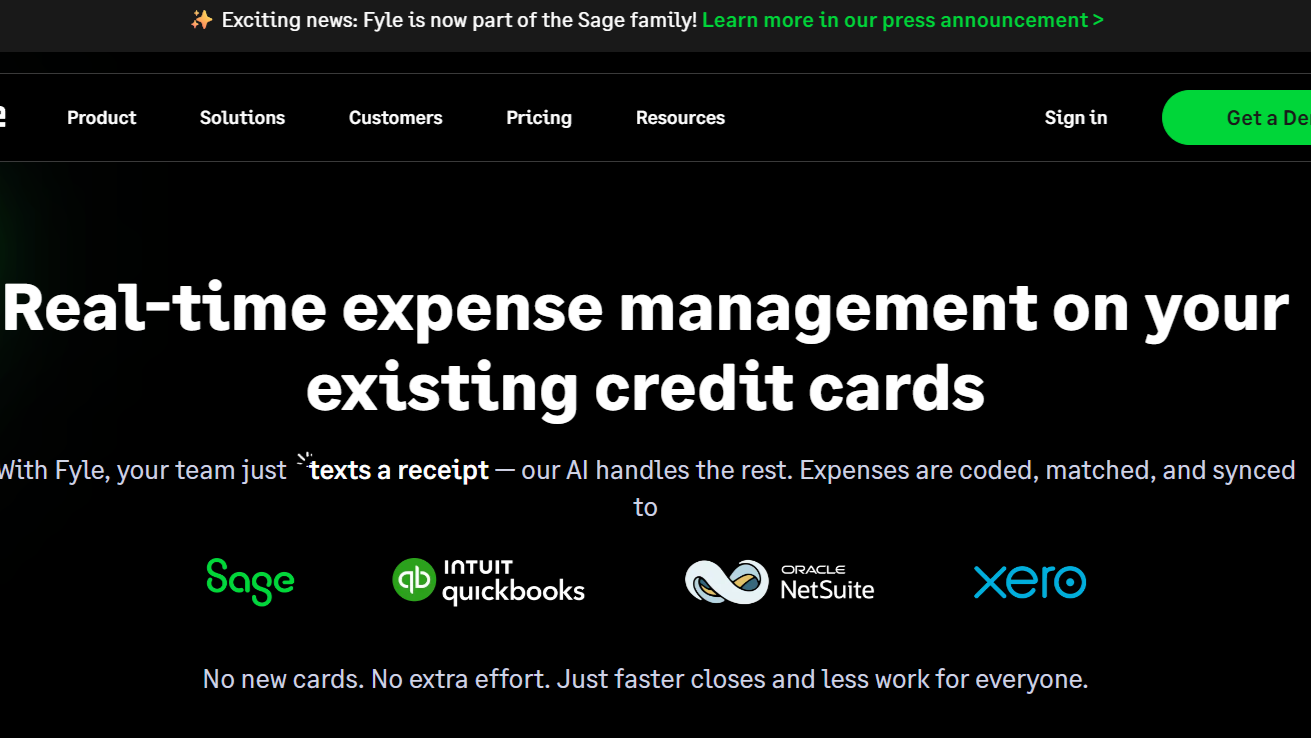
Fyle is an AI-powered expense management platform that makes tracking and managing business expenses simple. Employees can submit receipts using text, email, Gmail, Outlook, or Fyle’s mobile app. The system also helps with real-time credit card reconciliation and enforces company expense rules automatically.
Fyle is popular in technology, IT services, consulting, healthcare, financial services, legal services, education, retail, manufacturing, and hospitality.
Key Features
Real-Time Credit Card Reconciliation, Automated Receipt Capture via Multiple Channels, AI-Powered Expense Categorization, Customizable Approval Workflows, Mobile Accessibility, Accounting Integrations, Real-Time Spend Visibility, Automated Reimbursements, Multi-Currency and Global Support.
Pros and Cons
Fyle has an easy-to-use interface, and the mobile app adds flexibility, letting you submit, approve, and track expenses anywhere. Fyle also connects well with popular accounting software.
Some users have noticed occasional syncing problems when sending receipts by email. A few parts of the platform have limited customization.
Pricing - Start at $14.99 per user, and a free trial or demo is available.
8. Navan
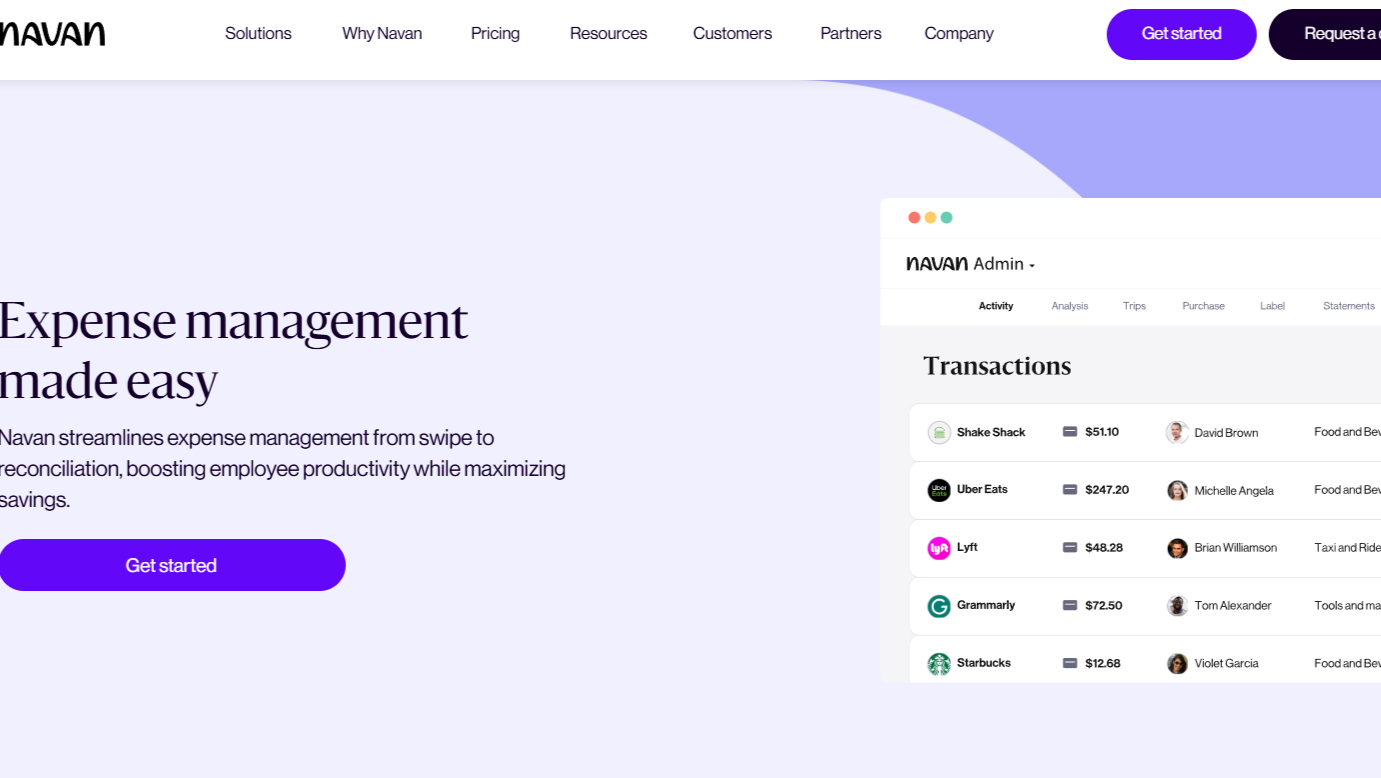
Navan, which used to be called TripActions, is a complete travel and expense management platform. You can book travel, track expenses with corporate cards, get automated expense reports, and see real-time insights all in one place.
Navan is ideal for industries such as technology, consulting, finance, legal services, healthcare, education, logistics and supply chain, hospitality, and professional services.
Key Features
Built-in Expense Policies / Spend Guardrails, End-to-End Expense Automation & Reconciliation, Real-Time Spend Visibility & Reporting, Flexible Payment Methods & Corporate Cards, Mobile App & Receipt Capture, Policy Compliance & Flagging of Out-of-Policy Transactions, Integration with Accounting / ERP / HR Systems.
Pros and Cons
The mobile app is easy to use, so employees can submit expenses or book travel anywhere. Global support, multi-currency features, and smooth integration with corporate cards and accounting systems make it good for both small and large companies.
Some users say Navan’s travel prices can be higher than booking directly. Customer support is available 24/7, but it often gets complaints for being slow or not helpful in urgent cases.
Pricing - Based on company size and modules. Free demo available.
9. Brex
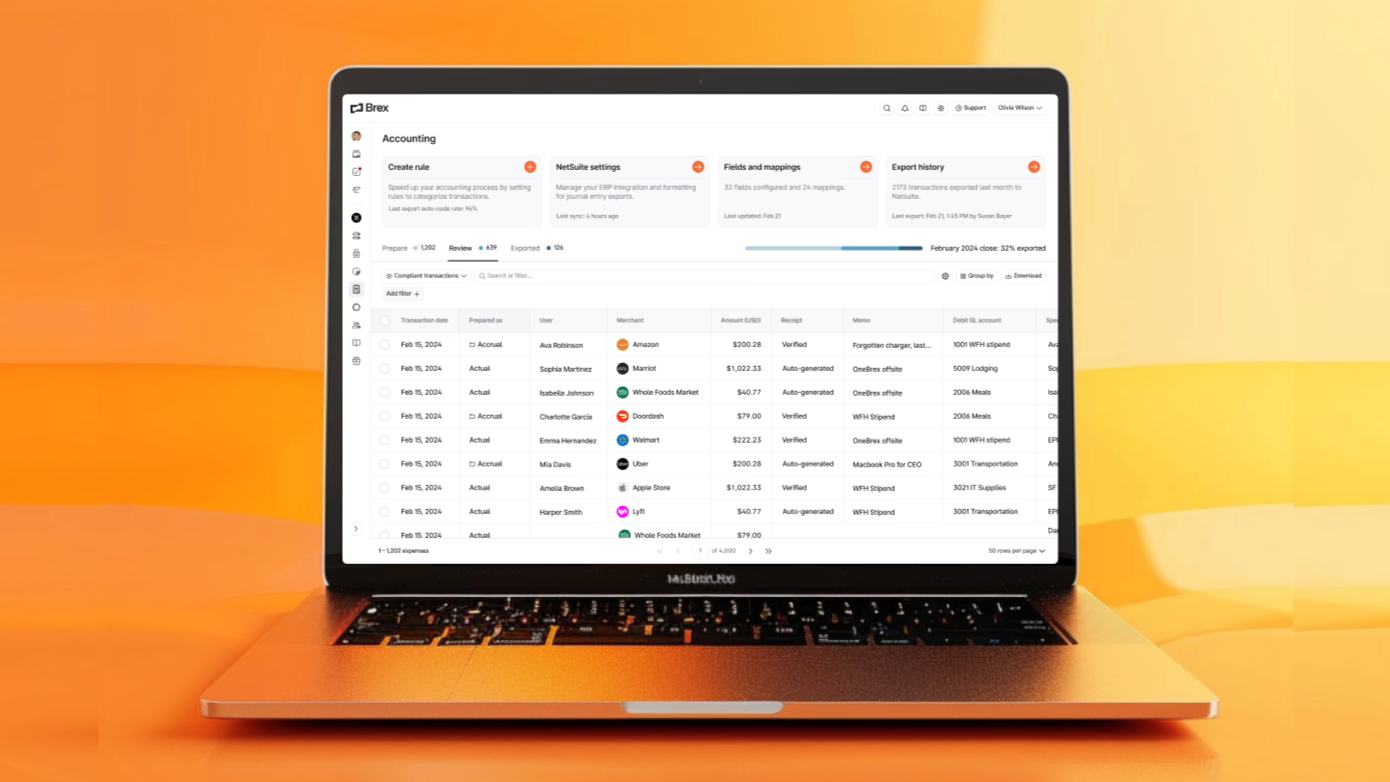
Brex is a leading corporate expense management software platform that helps businesses handle their finances in one place. It combines corporate credit cards, expense tracking, reimbursements, bill pay, travel management, and business banking into a single system.
Brex is best for startups, technology, e-commerce, SaaS, fintech, professional services, marketing and advertising, consulting, healthcare, manufacturing, and logistics.
Key Features
Automatic Receipt Capture, AI-Powered Expense Categorization, Automated Approvals and Reviews, Integrated Corporate Card with High Limits, Real-Time Spend Tracking and ERP Integrations, Global Bill Pay Capabilities, Real-Time Reporting and Analytics, an Integrated Business Account, and Multi-Currency and Multi-Entity Support.
Pros and Cons
You can set rules for spending that are automatically enforced, which keeps you in line with company policies and lowers risks.
If your business has only a few expenses, you might not need all the automation and controls, so the platform could feel less useful or cost-effective for you.
Pricing - Start at $12 per user, and a free trial or demo is available.
10. FreshBooks
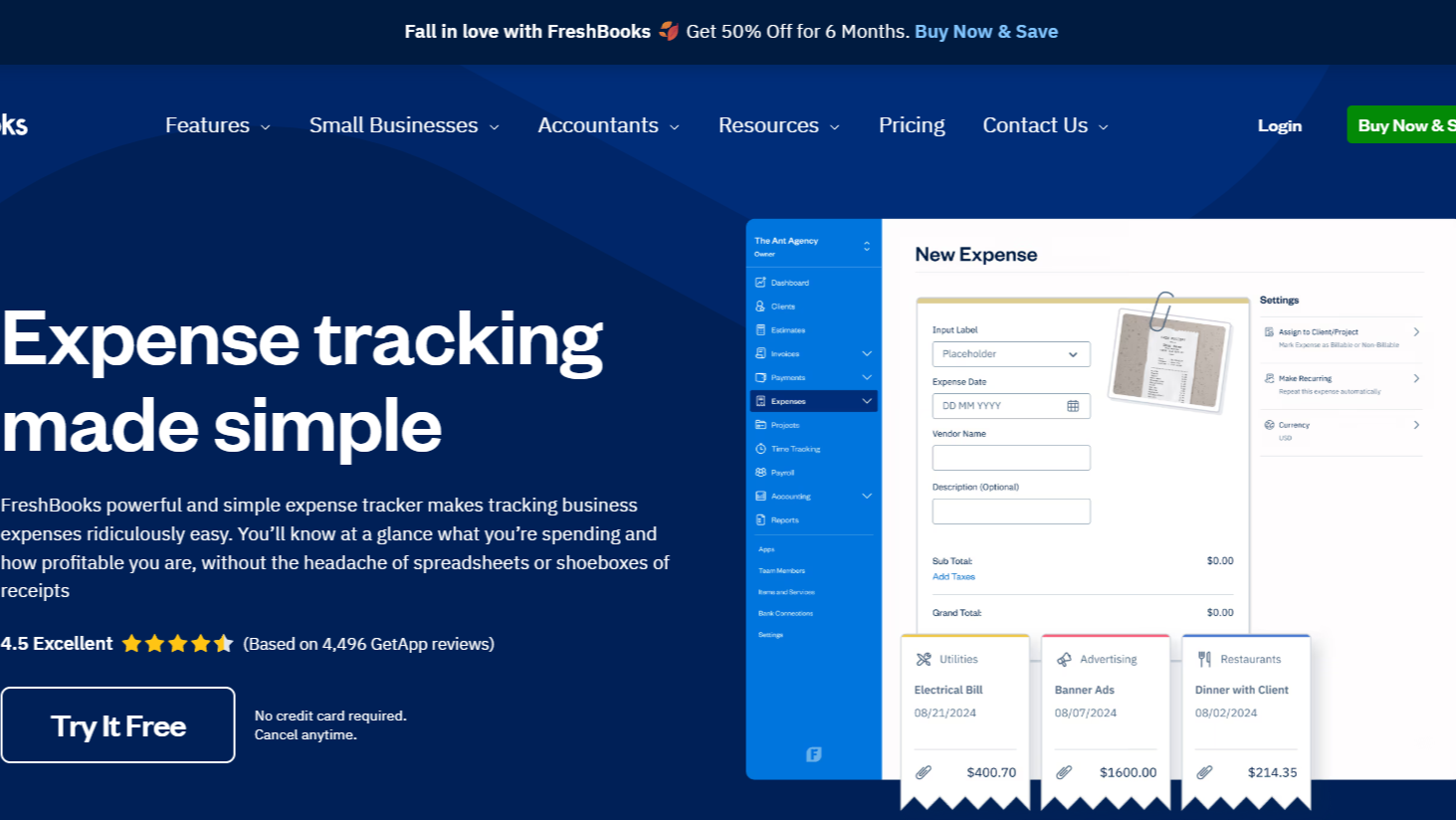
FreshBooks is a cloud-based accounting and expense management tool that makes handling business finances much easier for small businesses and freelancers. It helps you with invoicing, tracking expenses, managing time, and creating financial reports.
FreshBooks is best for creative professionals, consultants, software developers, IT services, legal services, real estate, design studios, and health & wellness businesses.
Key Features
Automated Expense Tracking, Receipt Scanning & Digital Capture, Real-Time Expense Reporting, Integration with Accounting & ERP Systems, Role-Based Approvals & Workflows, Analytics & AI-Powered Insights, Corporate Card Integration, Travel & Mileage Tracking, Customizable Expense Categories, and Reimbursement Management.
Pros and Cons
FreshBooks has a very user-friendly interface. It gives you all the tools you need, from automatic expense tracking and receipt scanning to mobile access and real-time reports.
FreshBooks may not have all the advanced features that some other software offers. Also, the price can get a bit high if you need many users or want all the extra features.
Pricing - Start at $10.50 per user, and a 30-day free trial is also available.
How to Pick the Right Expense Management Software for Business
To pick the best expense management tool, you need to consider your business needs, usability, features, security, analytics, and support.
Here’s a complete 10 guide for you.
Know Your Business Needs
You need to define what your business actually needs. Do you need multi-currency support, audit trails, or compliance with IFRS/GAAP? By mapping your requirements first, you make sure the software fits your company's rules and can scale with your global operations.
Choose Easy-to-Use Software
The best software should be easy for you and your team to use. Look for a clean design, an intuitive dashboard, mobile access, and features like OCR-based receipt capture. If it’s too complex, your team will waste time on training and reduce the tool’s value.
Make Sure It Works With Other Tools
Check if the expenses management system can integrate with your other systems, like payroll, accounting, or ERP platforms such as QuickBooks or SAP. Good API integration keeps your data in sync and avoids errors from manual updates.
Check for Automation and Features
Automation can save you a lot of tasks. Look for AI-driven expense categorization, automatic rule enforcement, and tools that detect unusual spending. These features speed up approvals and make sure your company policies are followed.
Security and Policy Control
Pick expense manager software with strong encryption like AES-256, SOC 2 compliance, and role-based access control. Features like built-in policy rules prevent fraud and make sure company spending limits are followed automatically.
Look at Real-Time Insights and Analytics
Real-time dashboards give you an instant view of spending. Advanced analytics, predictive spending, and detailed reports help you track budgets, mark waste, and plan future costs more accurately.
Review the Approval Process Workflow
Check if the expenses management software allows multi-level approvals, automatic escalations, and keeps a record of all decisions. A good workflow balances fast reimbursements with proper checks and accountability.
See If You Can Customize Reports
Every business is different. Choose expenses report software that lets you customize reports, GL codes, and workflows. This flexibility ensures the tool fits your unique needs without forcing you to change how your business works.
Compare Costs and Growth Options
Consider total cost, subscription plans, and how well the expense report management software can grow with your company. Cloud-based platforms with modular designs scale easily as your team and expense volumes increase.
Test Customer Support and Service Quality
Even the best software can have problems. Check if the company offers 24/7 support, SLA-backed uptime, and dedicated account managers. Good support keeps your team working smoothly and solves issues quickly.
Benefits of Using Expense Management Software

Managing expenses and costs manually takes time and can lead to mistakes. With expense tracking software, you can make tasks quick and accurate.
- Improved Compliance & Audit Trail - The software helps you follow your company rules and government regulations. Every expense is recorded and gives you a clear audit trail that makes internal checks and audits much easier.
- Fraud Detection & Security - The expense management tool can spot unusual spending or unauthorized transactions so you can prevent fraud. Your financial data stays safe with strong security and encryption.
- Real-Time Reporting - You can see your company’s spending instantly. Real-time reports show budgets, department costs, and help you spot overspending or savings opportunities quickly.
- Efficient Approval Workflow - Expense approvals are automated and sent to the right manager immediately, which speeds up the process, avoids delays, and makes sure everything is properly tracked.
- Faster & Accurate Reimbursements - Employees get reimbursed quickly because the software handles calculations and approvals automatically, which reduces mistakes.
- Expense Tracking & Analytics - You can track all business expenses across teams and projects. The built-in analytics show trends, help forecast budgets, and let you make smarter financial decisions.
- Automated Receipt Capture - You can capture receipts digitally using your phone or email. The software automatically sorts them into the right categories and makes everything more accurate.
- Integration with Accounting & Corporate Cards - The software connects directly to your accounting systems and corporate cards, reducing manual work and making sure your financial records are always updated.
- Increased Productivity - Less manual work means employees and finance teams can focus on more important tasks. Mobile access lets employees submit expenses anytime, which makes everyone’s work easier.
- Dual Integration & Mobile Access - The corporate expense software works across different systems and devices, so employees can track, submit, and approve expenses wherever they are.
- Receipt Management & Approval - All receipts are stored in one place. Submitting, storing, and approving expenses becomes smooth, reduces errors, and avoids delays.
Frequently Asked Questions
Can small businesses benefit from enterprise-level expense management tools?
Yes. Enterprise-level tools have automation, compliance checks, and accounting integrations. Some features may not be used immediately, but having a scalable system means your business can grow without needing to change software later.
Are there industry-specific expense management solutions?
Yes. Many tools have features made for specific industries. For example, travel-heavy businesses can track flights and hotels easily. Consulting firms can manage client project expenses better. Retail, healthcare, IT, and logistics also have specialized options.
Can expense management tools handle international tax regulations automatically?
Many tools support multiple currencies and follow country-specific tax rules. They calculate VAT, GST, and other taxes automatically and adjust reports based on local laws.
What is the difference between cloud-based and on-premise expense management software?
Cloud software is online-based, updates automatically, so you can access the tools from anywhere.
On-premise software is installed on local computers. You may control all the data, but updates and IT support will be needed.
Are there software options for freelancers or solo entrepreneurs?
Yes. Tools like FreshBooks and Zoho Expense have plans for freelancers or small businesses.
Which firm offers the best expense management software solutions?
TechForing Cent, SAP, Zoho, Expensify, Ramp, and Brex are known for strong features, integrations, and support.
Final Thought
Managing business expenses does not have to be hard or take a lot of your time. With the right expense management solution, you can automate tasks and see your company’s spending clearly.
If you want a tool that handles everything, from tracking expenses to approvals and reports, TechForing Cent is a great choice.
