
Category: Articles
14 Essential Features of Candidate Management Software in 2025
TABLE OF CONTENT :
Top candidates leave when hiring moves too slowly or gets messy. In 2025, you cannot rely on spreadsheets, emails, or outdated systems.
Hiring needs quick, smart, and simple solutions. Many platforms exist, but not all give you the features you need to stay ahead in a competitive market.
In this blog, we will share 14 features every candidate management software must have in 2025, so you can choose the best one for your team.
What is Candidate Management?
Candidate management means actively guiding potential job candidates throughout the recruitment life cycle. Recruiters organize and track applicants, source and attract talent, screen resumes, conduct interviews, evaluate skills, manage communication, and select the most qualified candidates for job offers.
What is a Candidate Management System?
A candidate management system is a tool that helps recruiters manage the entire hiring process. The system automates collaboration among HR teams and hiring managers, and provides insights through reporting and analytics. Recruiters can source candidates from multiple channels, engage talent consistently, and make quicker, data-driven hiring decisions.
Top 14 Key Features of Candidate Management Software
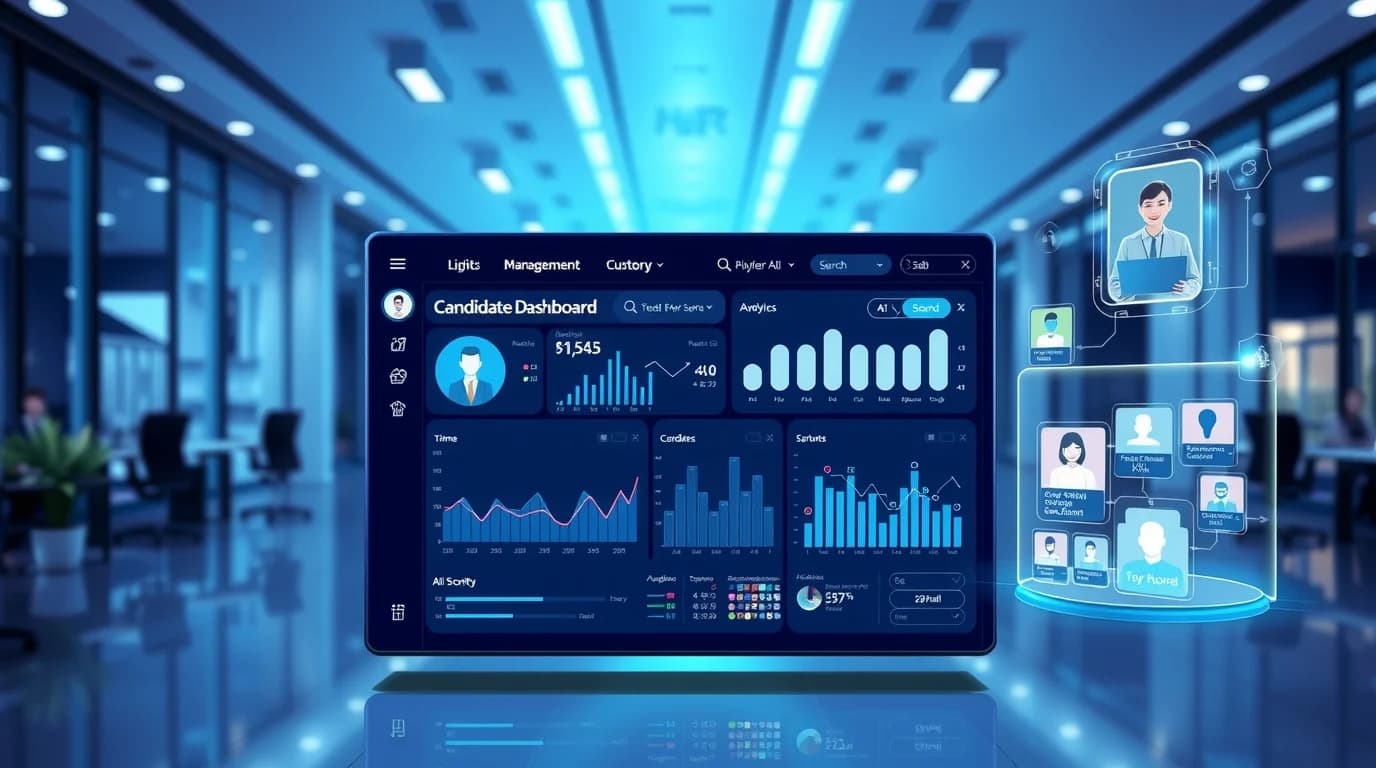
Modern hiring requires software that manages candidates at every stage.
Companies need platforms that handle automation, AI, analytics, and compliance. Candidate engagement software has become the backbone of talent acquisition.
Below are the essential features every platform should offer in 2025:
01 # Applicant Tracking System (ATS)
A modern ATS acts as a central database for all candidates. Recruiters can track each applicant from submission, resume parsing, interview scheduling, offer generation, and onboarding.
Advanced ATS platforms use workflow automation to create custom pipelines for different roles or departments.
Structured candidate data allows integration with HR systems and other tools using RESTful APIs. Recruiters can easily move data between recruitment, payroll, and performance modules without manual entry.
02 # Resume Screening
AI-powered tools scan resumes, match qualifications with job descriptions, and rank candidates based on skills, experience, and education.
NLP and machine learning algorithms extract skills, certifications, job titles, and employment duration for accurate matching.
Predictive analytics models analyze historical hiring data.
The system identifies candidates with high potential and predicts their likelihood of success in the role. Recruiters spend more time with qualified candidates instead of screening manually.
03 # Interview Scheduling
Automated scheduling connects with Google Calendar, Outlook, and iCal. The system adjusts for time zones and reduces back-and-forth emails. Platforms include video interviews for one-way recordings or live streaming.
AI-assisted scoring evaluates tone, speech patterns, and content. Recruiters can make objective assessments quickly. Scheduling software keeps candidates informed with reminders and notifications.
04 # Custom Candidate Profiles
Candidate profiles store resumes, portfolios, interview notes, assessments, and communication history. Recruiters can add custom metadata like skill levels, certifications, or preferred work locations.
Integration with candidate relationship management (CRM) software allows teams to track passive candidates. Recruiters can maintain a pipeline for future openings and engage top talent over time.
05 # Collaboration
Recruitment teams can collaborate using shared notes, feedback forms, and discussion threads. Role-based access controls protect sensitive candidate information.
Version control tracks updates and maintains audit trails. Hiring managers and recruiters can provide feedback without exposing confidential details. Teams can make decisions quickly and stay aligned throughout the hiring process.
06 # Reporting & Analytics
Recruiters get real-time dashboards showing metrics such as time-to-fill, source efficiency, cost-per-hire, and diversity ratios. Predictive analytics forecasts hiring trends and highlights pipeline bottlenecks.
Integration with business intelligence tools like Tableau or Power BI allows multi-dimensional analysis. Recruiters can generate custom KPIs and plan workforce strategies based on stable data.
07 # Multi-Channel Job Posting
Recruiters can post jobs to multiple boards, social media platforms, and internal referral portals in one step. Candidate sourcing uses Boolean searches, semantic matching, and social scraping APIs to find top talent.
AI recommendations highlight passive candidates from previous applications or external databases. Teams can reach the right candidates quickly and build a larger talent pool.
08 # Candidate Engagement & Communication
Recruiters can maintain candidate engagement using automated email, SMS, chatbots, and conversational AI. Personalized workflows keep applicants informed about status, interviews, and feedback.
NLP-powered chatbots answer FAQs, schedule interviews, and guide candidates through the application process. Engagement tools reduce drop-offs and improve candidate experience.
09 # Onboarding Integration
Onboarding modules manage digital forms, compliance documents, training schedules, and equipment allocation. Systems connect with background verification and skill assessment providers.
Software uses e-signature standards and LMS integrations for smooth onboarding. New hires complete training, acknowledge policies, and start work quickly.
10 # Mobile-Friendly Access
Recruiters can review candidates, schedule interviews, and send messages from mobile devices. Candidates can apply, track applications, and receive notifications on smartphones or tablets.
Push notifications, biometric login, and offline mode ensure teams can work from anywhere. Mobile access increases efficiency and improves candidate satisfaction.
11 # Data Security & Compliance
Modern candidate tracking software follows GDPR, CCPA, and other regional privacy laws. Role-based access, encrypted storage, multi-factor authentication, and audit logs protect sensitive candidate information.
Data residency options let companies store candidate data in specific regions to meet local regulations. Recruiters maintain compliance while keeping information secure.
12 # Skill Assessment
Software integrates skill tests, coding assessments, psychometric quizzes, and scenario exercises to evaluate candidates objectively.
Background check integrations verify education, employment history, criminal records, and certifications.
APIs connect with verification providers and feed results directly into candidate profiles. Recruiters hire qualified and trustworthy candidates efficiently, which reduces risk.
13 # Customizable Career Page
Recruiters update layouts, colors, photos, and job categories without a developer. SEO-ready templates help job posts rank higher on search engines. Career pages integrate with analytics tools to track visitor activity, drop-offs, and conversions.
Branding tools highlight company culture, benefits, and employee stories, which help attract qualified applicants.
14 # Interview Feedback Automation
Recruiters and hiring managers can collect, organize, and analyze interview feedback in one central system. AI highlights candidate strengths, weaknesses, and patterns.
Teams can compare notes, track consensus, and flag top candidates immediately to keep the hiring process transparent.
Relevant Blog - Top Talent Management Solutions in 2025
How to Choose the Best Candidate Management Software
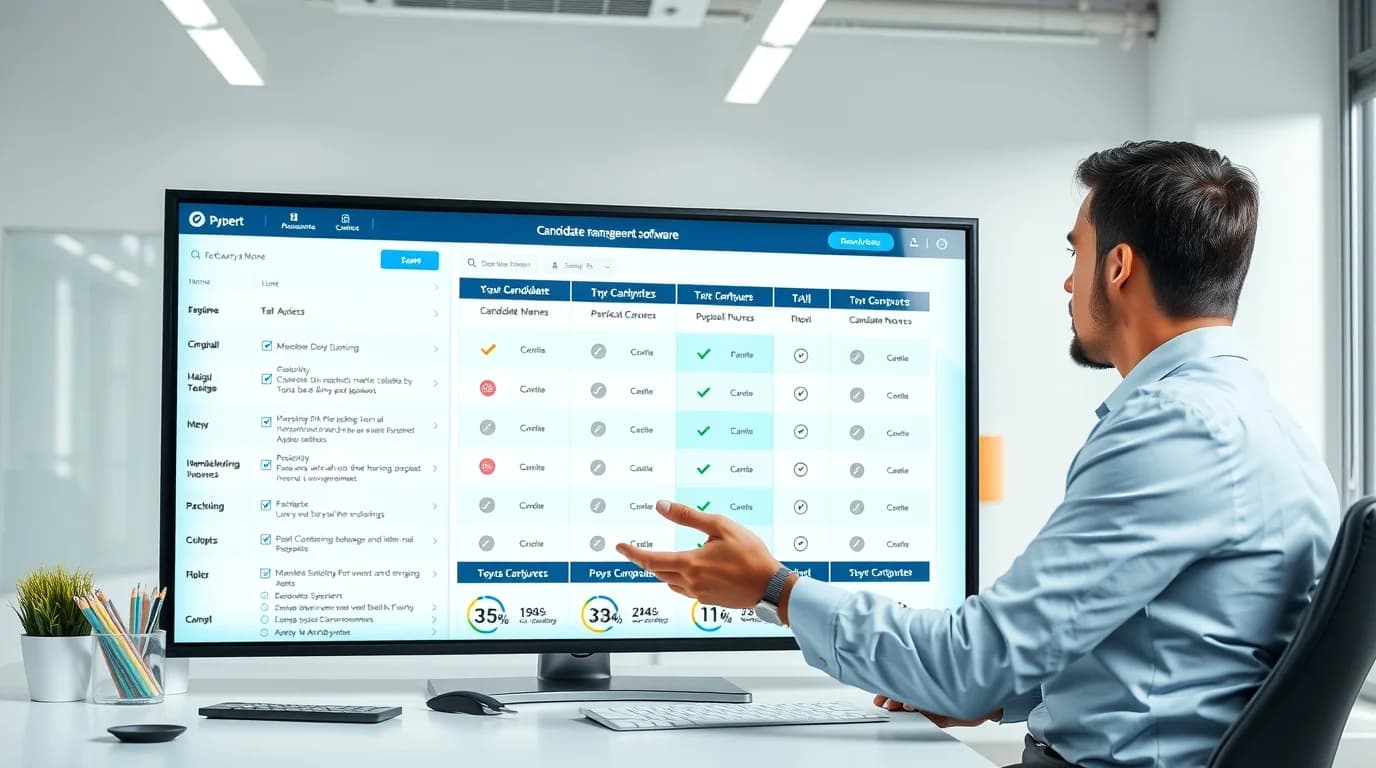
Finding the right software can improve hiring decisions and create a better experience for candidates.
The following tips help you pick a talent acquisition system that fits your team.
- Understand Your Hiring Needs - Consider the size of your HR team, monthly hiring volume, and future growth plans. Identify which parts of the hiring process need automation or improvement.
- Check Essential Features - Look for an applicant tracking system (ATS) to organize candidates. Ensure the software includes resume parsing, automated messaging, interview scheduling, and customizable recruiting pipelines.
- Prioritize Ease of Use - Pick candidate sourcing software with a clean, easy-to-read dashboard. Make sure your team can use the software with minimal training.
- Evaluate Integration Capabilities - Make sure the software connects with HRIS, job boards, email, assessment tools, and background-check systems. Proper data mapping prevents duplicate work and reduces mistakes.
- Focus on Candidate Experience - Select a mobile-friendly application portal that is easy to use. Send automated status updates, confirmation emails, and clear communication at every step.
- Review Reporting & Analytics - Track KPIs like time-to-hire, cost-per-hire, and source of hire. Custom dashboards help your team make decisions based on real numbers. Data-driven hiring improves results and speeds up recruitment.
- Consider Scalability - Choose software that grows with the company. The global ATS market reached USD 2.90 billion in 2024 and could almost double by 2033. Pick a solution that supports more users, job postings, and advanced features as hiring needs expand.
- Ensure Security & Compliance - Select candidate evaluation software that complies with data protection regulations like GDPR. Role-based access, secure storage, and encryption protect candidate information.
- Analyze Total Cost of Ownership - Consider licensing, integration, training, upgrades, and maintenance. Evaluate ROI based on time saved, faster hiring, and better-quality candidates.
SmartRecruiters’ 2025 Benchmark Report shows companies reduced time-to-fill from 41 days to 18 days after switching to better ATS platforms.
Eightfold.ai reports 66% of talent-acquisition teams already use ATS or hiring platforms.
Related Blog - What is AI in Recruiting & Talent Acquisition?
Frequently Asked Questions
Can small businesses benefit from candidate management systems, or are they only for large companies?
Small businesses can streamline hiring, track applicants, and save time even without a large HR team.
How does AI in recruitment management software reduce unconscious bias?
AI evaluates candidates based on skills, experience, and qualifications, ignoring personal details like name, gender, or age.
What types of integrations are most important for global hiring teams?
Integrations with HRIS, payroll, video interview platforms, job boards, assessment tools, and background-check systems help teams work efficiently.
How do candidate management systems support remote or hybrid recruitment?
They offer video interviews, scheduling across time zones, cloud access, and mobile apps for remote collaboration.
What is the difference between ATS and candidate management software?
ATS tracks applicants. Candidate management software includes ATS features plus engagement, analytics, and onboarding tools.
Does an ATS help improve the candidate experience?
Yes. Features like automated updates, interview reminders, and mobile applications keep candidates informed and engaged.
Can recruiters use hiring management software without technical skills?
Yes. Most systems are user-friendly with dashboards, drag-and-drop workflows, and minimal training required.
How much does human resources talent management software cost?
Costs range from $20 to $200 per user per month, depending on features, team size, and customization.
How long does it take to implement an ATS in a company?
Implementation usually takes 2 to 8 weeks, depending on system complexity and integrations.
On a Final Note
Choosing the right applicant tracking and recruiting software helps you hire quickly.
Modern tools manage resumes, interviews, onboarding, and analytics all in one place, so your team stays organized.
Automation, AI, and mobile access let you work anywhere while keeping candidates engaged.
Invest in a solution that helps you focus on top talent. TechForing Talent simplifies recruiting, improves engagement, and attracts the best candidates to grow your team.
